

This has been a long time coming, but I have finally managed to get my collection of styles for the Colour Equaliser ready for everyone to use. These are the styles that I use daily in Darktable (version 4 upwards) and they are very easy to use.
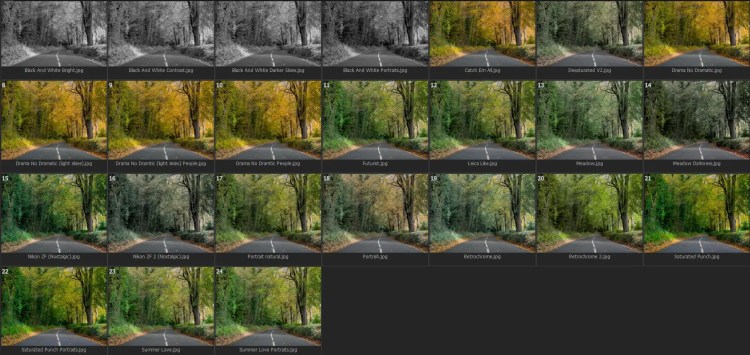
These 24 styles all have unique uses. For me I know when and how to use them, and for you it should come naturally as they are names in a way that should help you decide what to use and when. These are downloaded straight from the Colour Equaliser module, so they should only affect your colour equaliser module.
Examples:
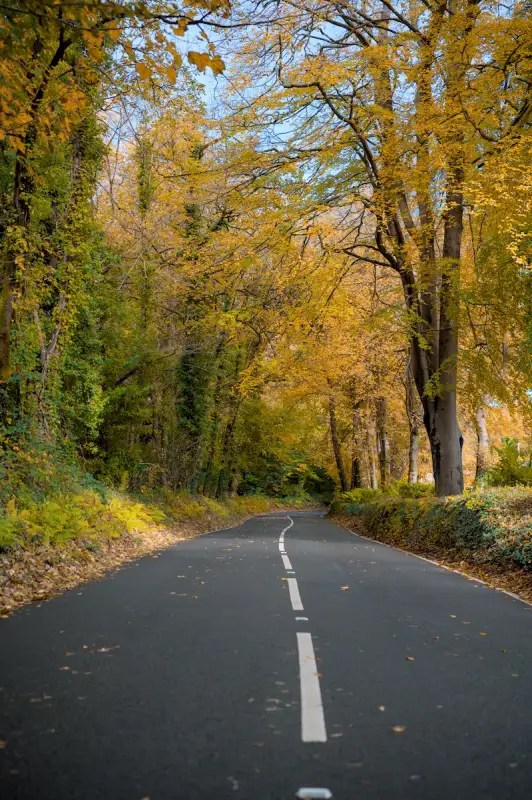
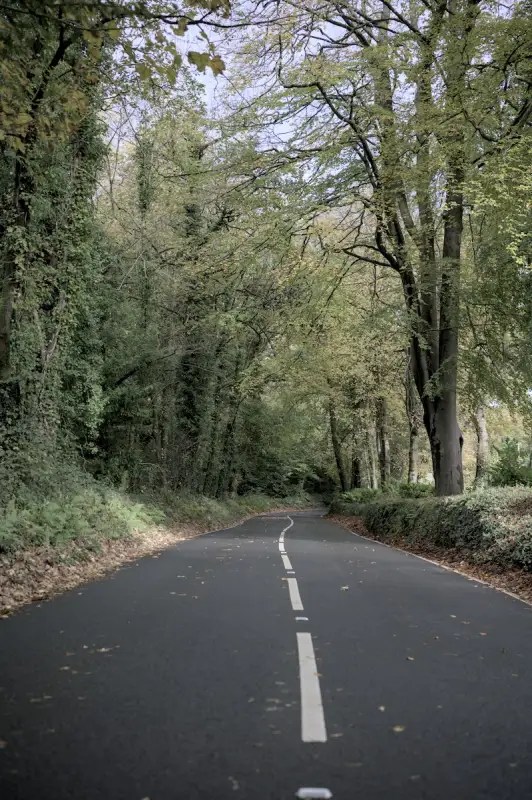
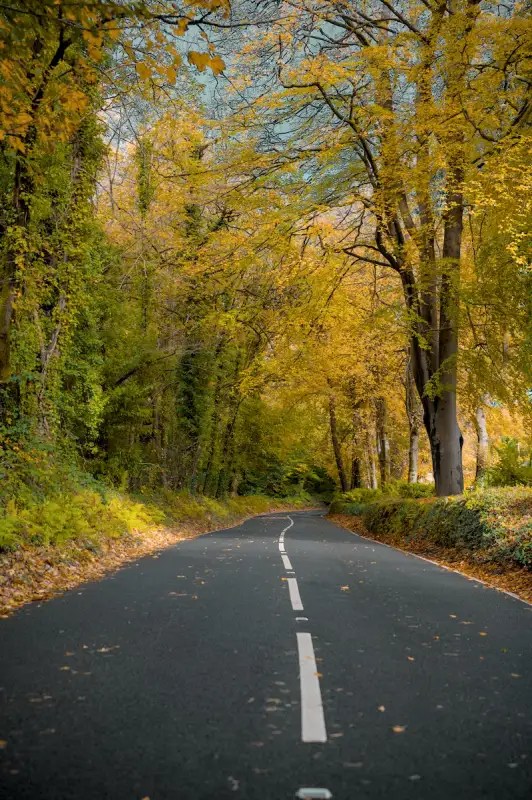
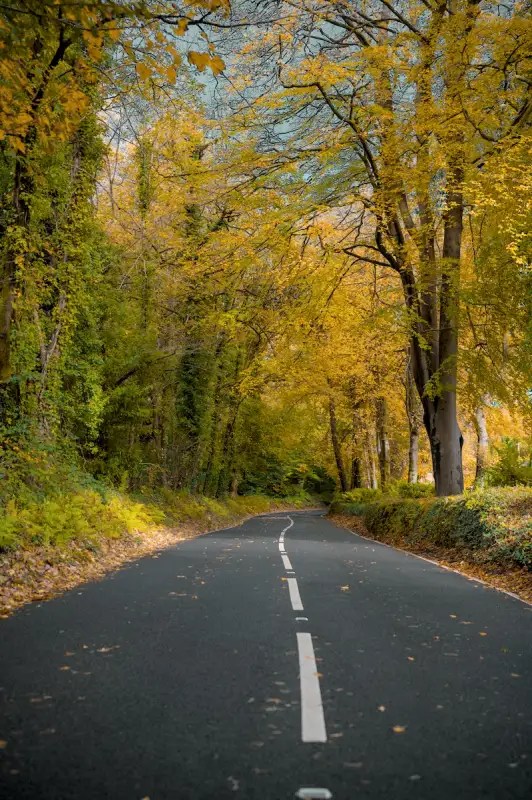
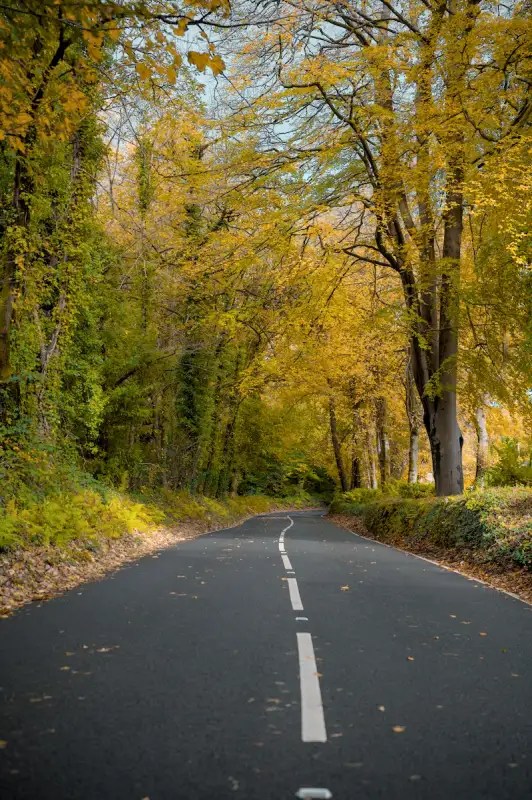
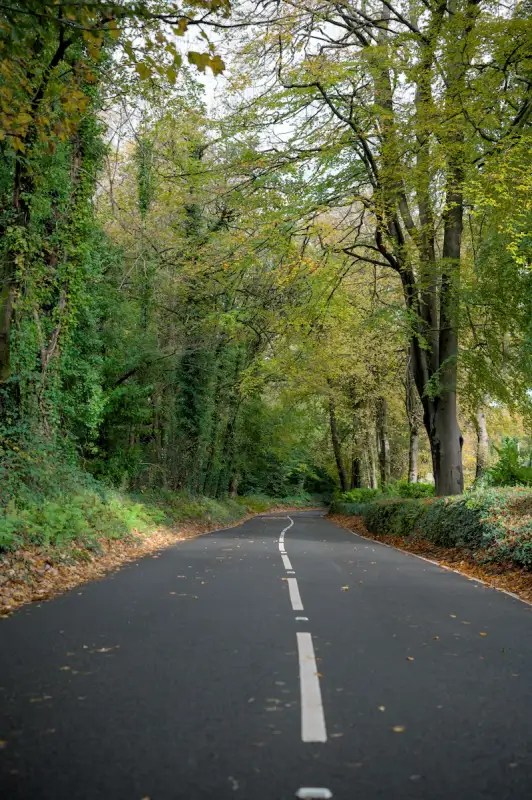
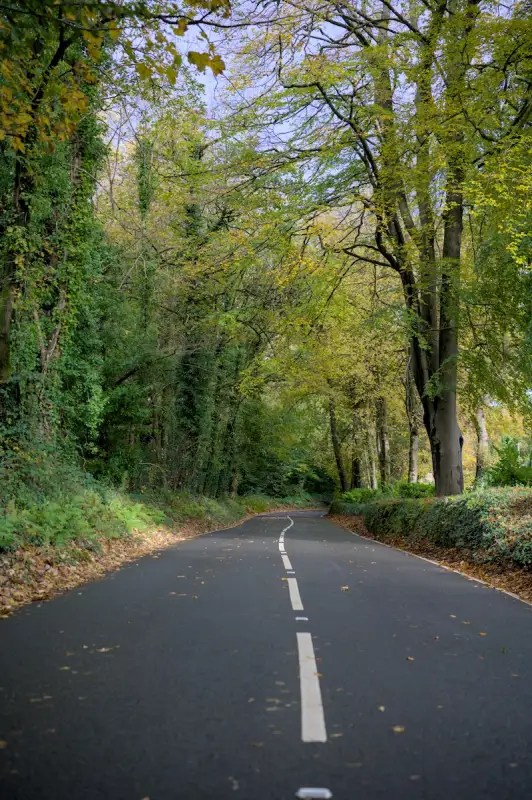
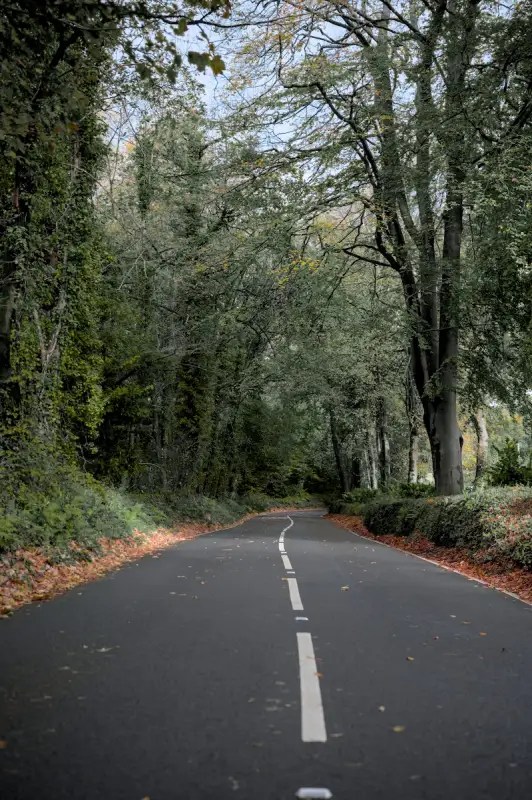
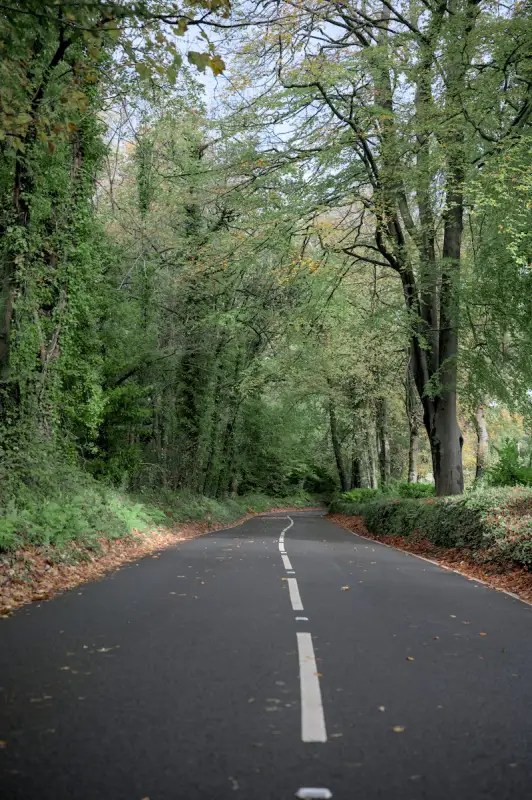
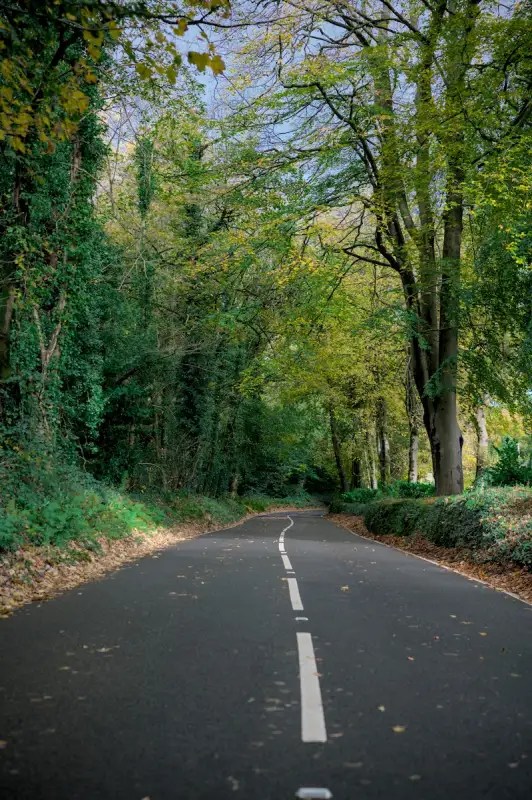
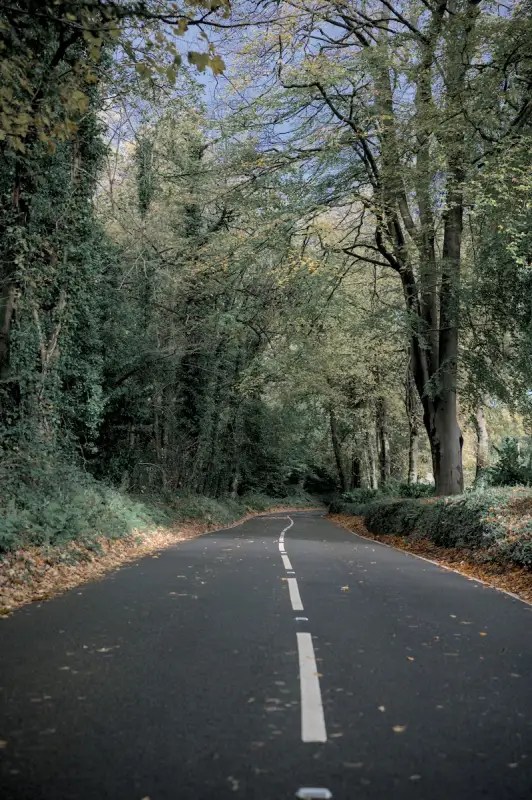
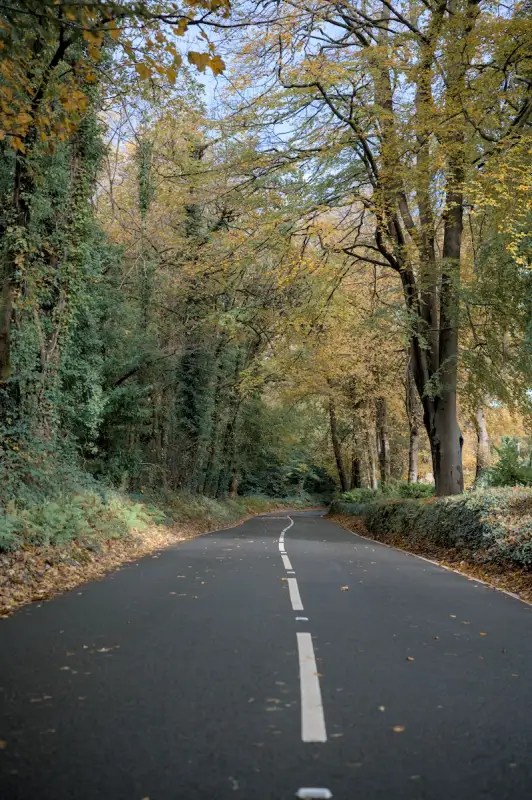
Examples of Portrish
Examples of Drama No Dramtic
Examples of various Drama No Dramatics
Examples Of Portrait Natural on people
Examples of Retrochrome and Retrochrome 2
There are tons of examples of all the styles on my website on various posts, this is just a quick example of a few that you can access quickly.



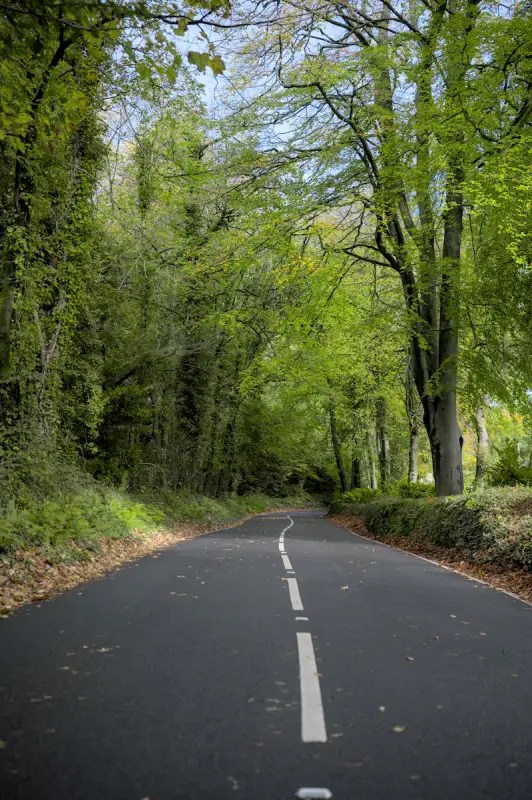
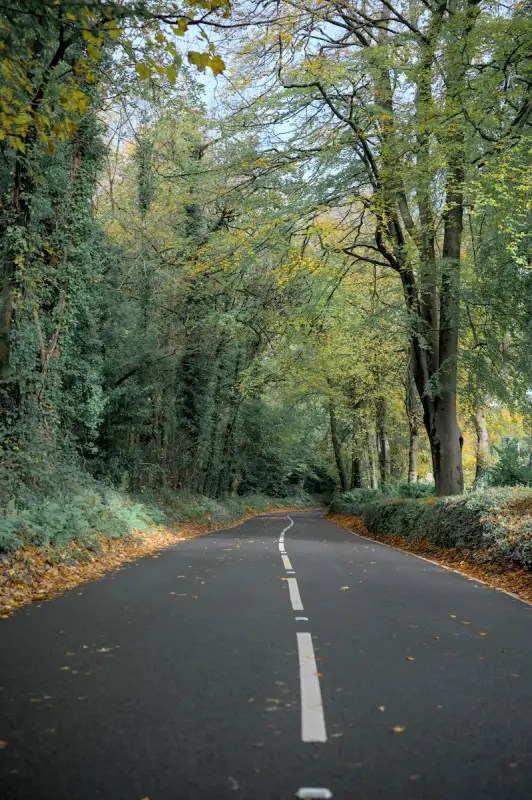
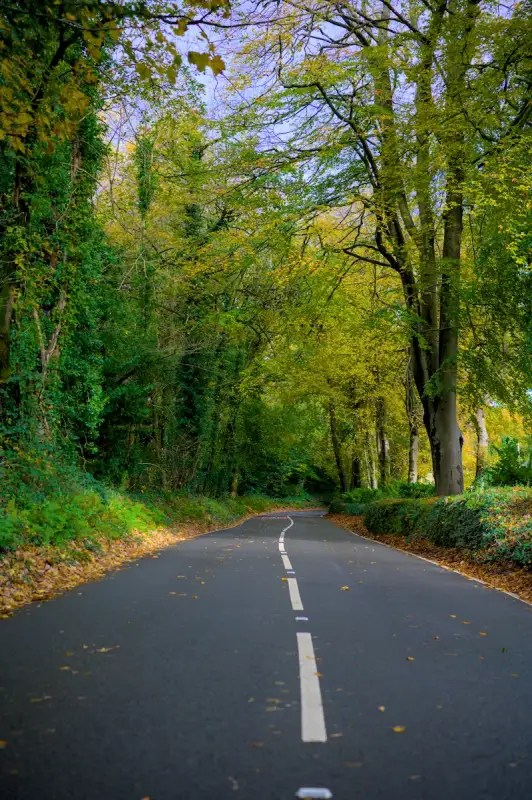
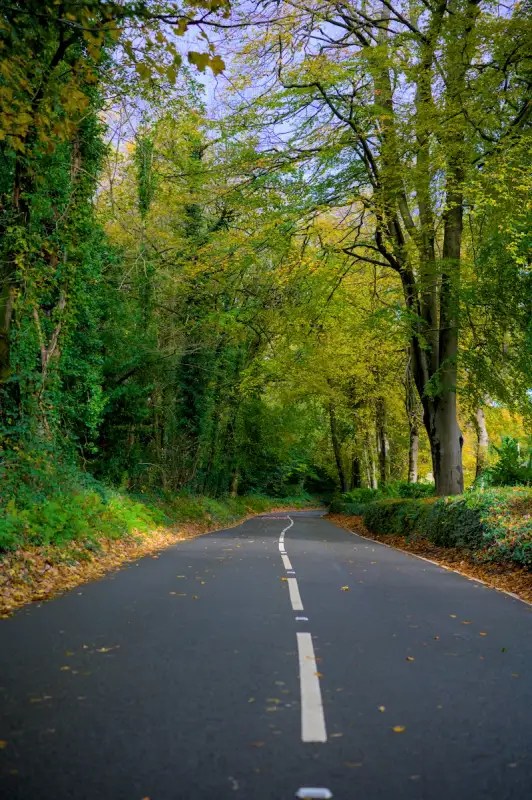
Note:
I use these styles every time I use Darktable. This will just highlight a few of the styles and their usage.
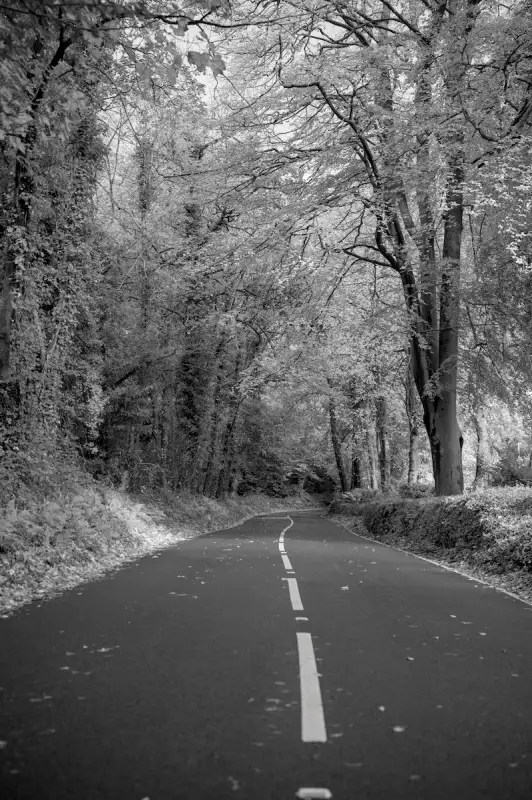
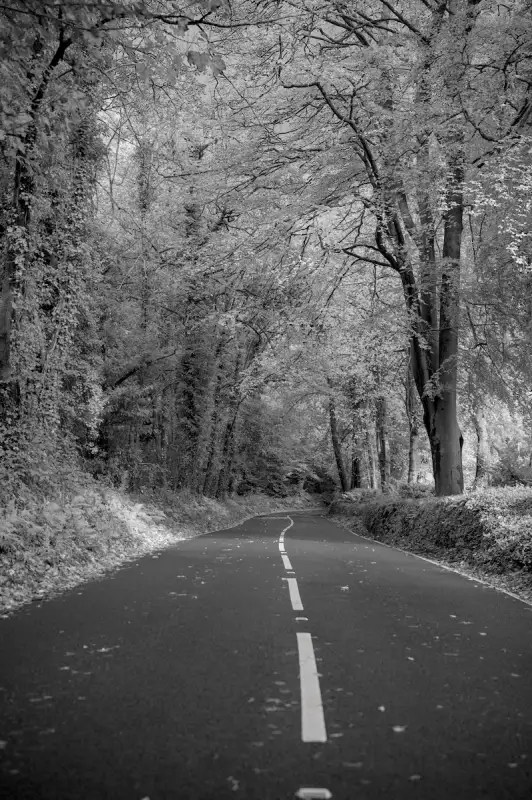
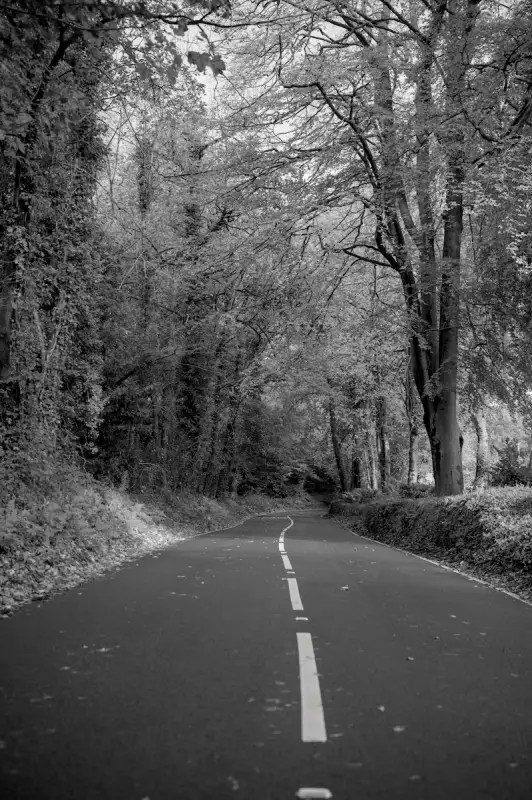
Black And White (all 4) – I tend to flick through these to see which best suits the scene I am editing. The Black And White Portraits works really well on portraits as the name suggests.
Catch ‘Em All – An artistic profile that works surprisingly well on a lot of things!
Drama No Dramatic (all 4) – Best used on sunny days, these give the style that I use quite often with dramatic skies. Especially good for architecture!
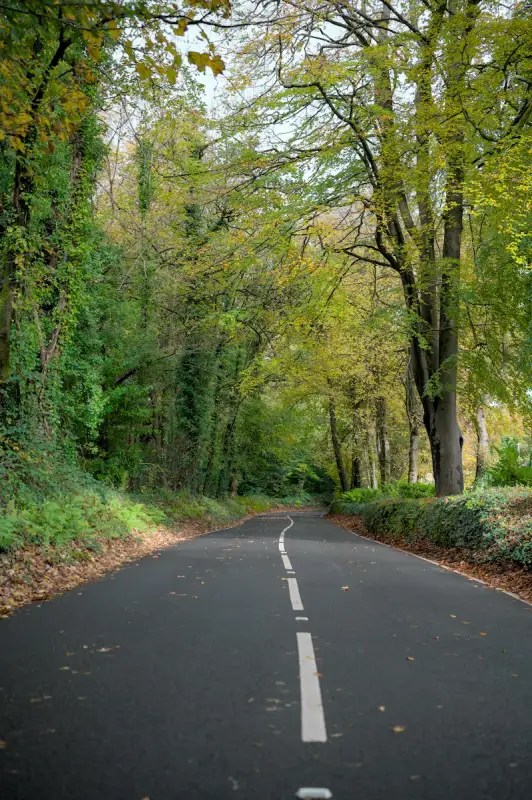
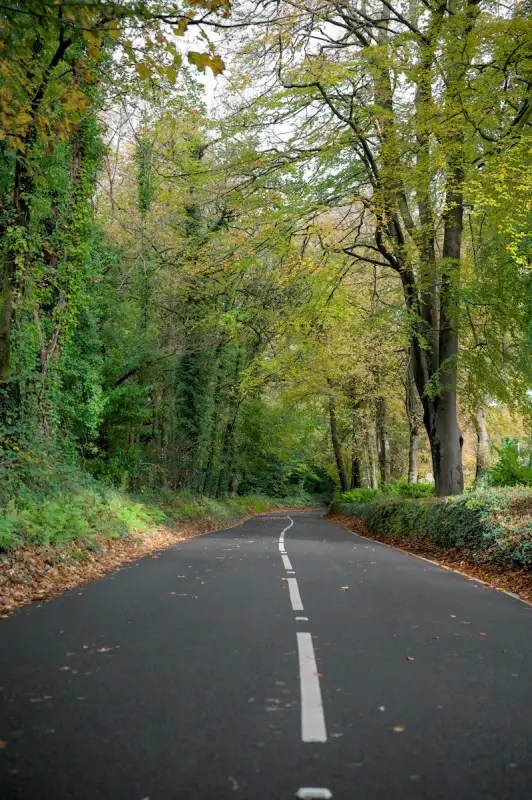
Meadow/Meadow Darkness – Great for forests and landscapes.
Nikon ZF 1/2 – These I made to match my Nikon Colour Profile that I call “Nostalgic” which is very good for sunny scenes. It matches my Z6ii to my ZF.
Portrish – My favourite for that Portra look.
Retrochrome 1 & 2 – A lot of fun and useful in many situations.
Why not just try them all! They are all very different and very useful.
Applying:
For best results, do all your basic adjustments first, getting the exposure, contrast etc to a point where you want it. Then apply the colour equaliser profile you need.
Installing:
You will need to install via – Darktable preferences/presets / color-equilizer >import
Download:
Download here from my safe and secure Mega account.
Do not forget to visit Darktable Simplified! A great resource for Darktable users.
 One Camera One Lens Photography
Nice collection styles for Darktable !
LikeLiked by 1 person
I’ve been using these for a long time, but just never had chance to get them out there! So both they’ll be of use to people.
LikeLiked by 1 person