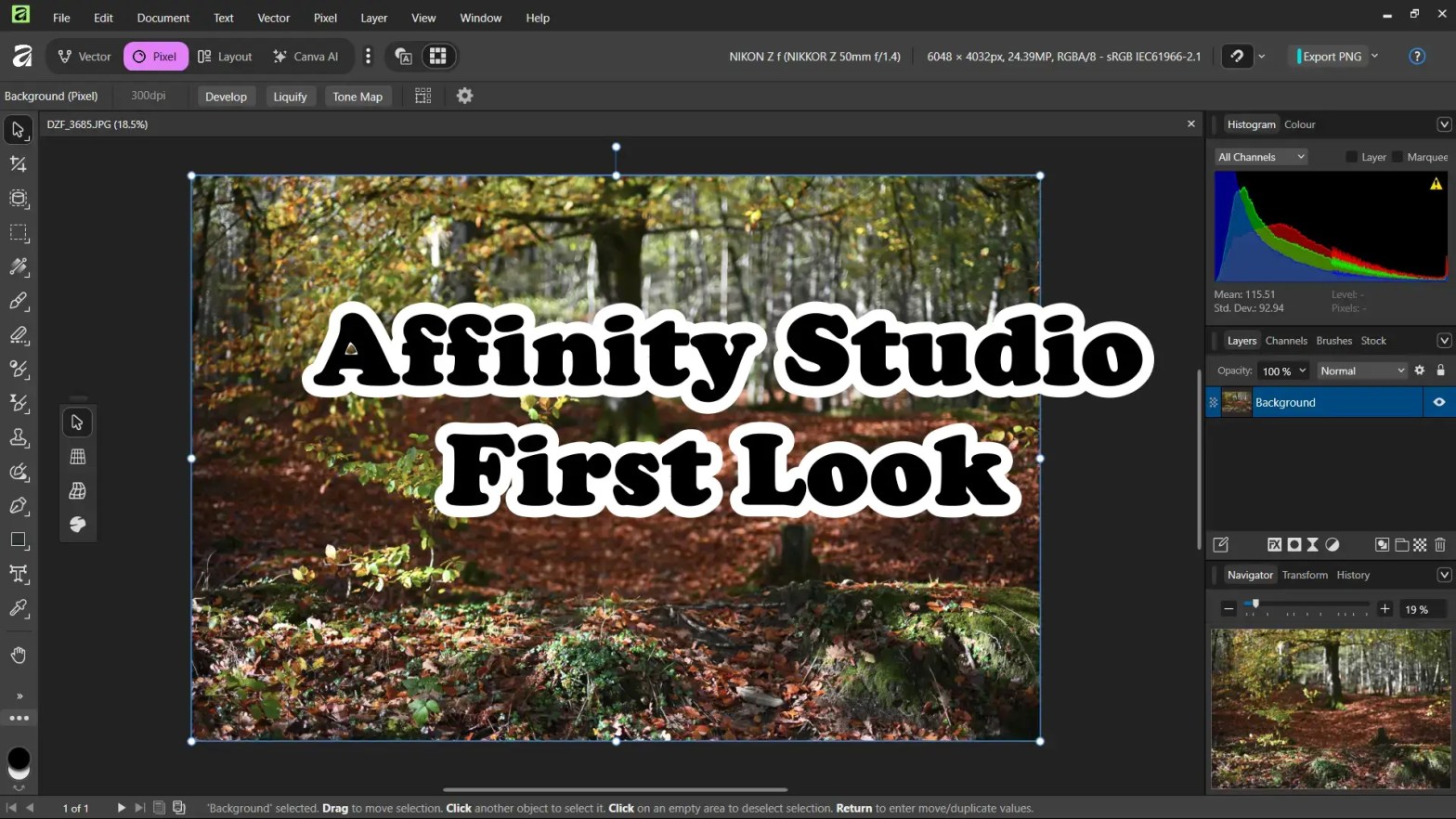
Canva’s relaunch of the Affinity suite as the all-new Affinity Studio is a seismic event in the creative software landscape, transforming its three powerful desktop applications—Affinity Photo, Designer, and Publisher—into a single, unified platform that is now, surprisingly, completely free.
Affinity has always been a powerful photo editing package, but it has always been held up by weak and unintuitive layout and option designs. With this new version, a lot of that has been corrected and suddenly, even novice users can now have all the power, with a much less learning curve with everything backed by Canva’s huge resources.
Key Highlights of the New Affinity Studio
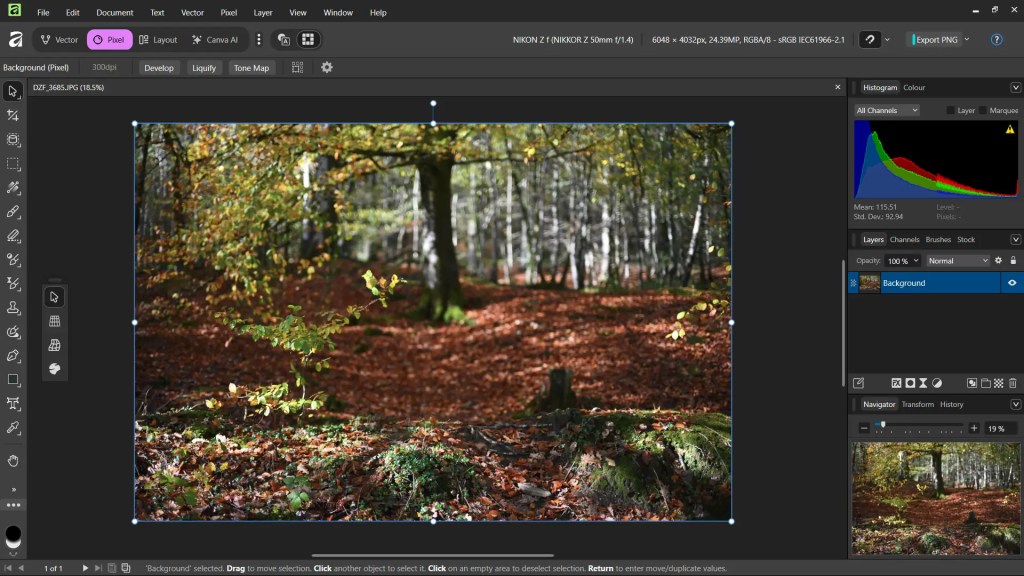
The most significant change is the consolidation of the three apps into one. Affinity Studio provides Vector, Pixel, and Layout tools all under a single, high-performance roof, allowing professionals to fluidly switch between photo editing, vector design, and page layout within the same project and file type.
- Unified Workflow: Say goodbye to switching between separate apps. The single application architecture means a more seamless, faster workflow for multi-disciplinary projects.
- Familiar Power: For existing users, the core of Affinity remains. The software is built on the same high-performance engine, featuring real-time adjustments, professional-grade precision, and the renowned 10,000,000% zoom.
- Customizable Interface: The introduction of “Customizable Studios” allows users to mix and match tools from the Vector, Pixel, and Layout workspaces and save their unique panel configurations, perfectly tailoring the interface to their needs.
- Professional Tools for Free: The core functionality, which rivals industry-leading paid alternatives like Adobe Photoshop, Illustrator, and InDesign, is now accessible to everyone at no cost. This is a massive disruption to the subscription model that has dominated the industry.
Free vs. Paid: What’s the Catch?
The good news is that the professional-grade creative tools you rely on are entirely free. The “paid” element is an optional add-on for a specific set of features related to Generative AI.
Free Version (Requires Free Canva Account) while the Paid Version (Requires Canva Premium Subscription). Both versions will include free updates and improvements throughout their lifetime. The free version will not include all (or any) of the paid for versions AI features, but this does not affect the professional editing capabilities of Affinity Studio.
What is missing from the free version compared to the paid version is access to the Canva AI Studio and its powerful generative AI features (this includes Generative fill, expand and edit, generate images and vectors, remove background and subject selection, colourize, depth selection and super resolution, portrait blur and portrait lighting and a full AI generation history). The free version gives you the full, un-watered-down, professional-grade Affinity software, and the paid Canva Premium subscription simply unlocks the additional, integrated AI functionality.
Conclusion
Affinity Studio is a game-changer. By making its professional toolkit completely free, Canva has created an immediate, high-quality, zero-cost alternative for creative professionals and students. While the move is undoubtedly a strategic business model pivot to drive adoption of Canva’s other services (and AI features), the value proposition for the end-user is immense. For anyone looking for a powerful, non-subscription alternative to their existing creative apps, Affinity Studio is an essential download.
Unlike other software for professional and high-end users though, Affinity is still missing a library view. For those users coming from Lightroom, Darktable, ON1 Photo Raw etc with these views, you will know how important they are for a smooth and efficient workflow, but if you can live with that, Affinity Studio is positive step in the right direction and a welcome addition to the realm of free software.
 One Camera One Lens Photography
Well written, Mark! it was once known as Serif, famous for their office and image editing tools back in the day, it’s interesting to see Canva taking over the Affinity line. Free is definitely good news, but the “Windows and Mac only” part feels like a missed opportunity. For Windows users, it might be a real alternative. Mac users probably already expect a bit more polish. Still, no Linux version… that’s the real pity. All the best, Marc.
LikeLike
Yeah, Linux is a very niche market and I can see why it’s not developed for by every company. I’m still not a huge fan of Affinity, but this is a step in the right direction. Enjoy your weekend Marc.
LikeLiked by 1 person