
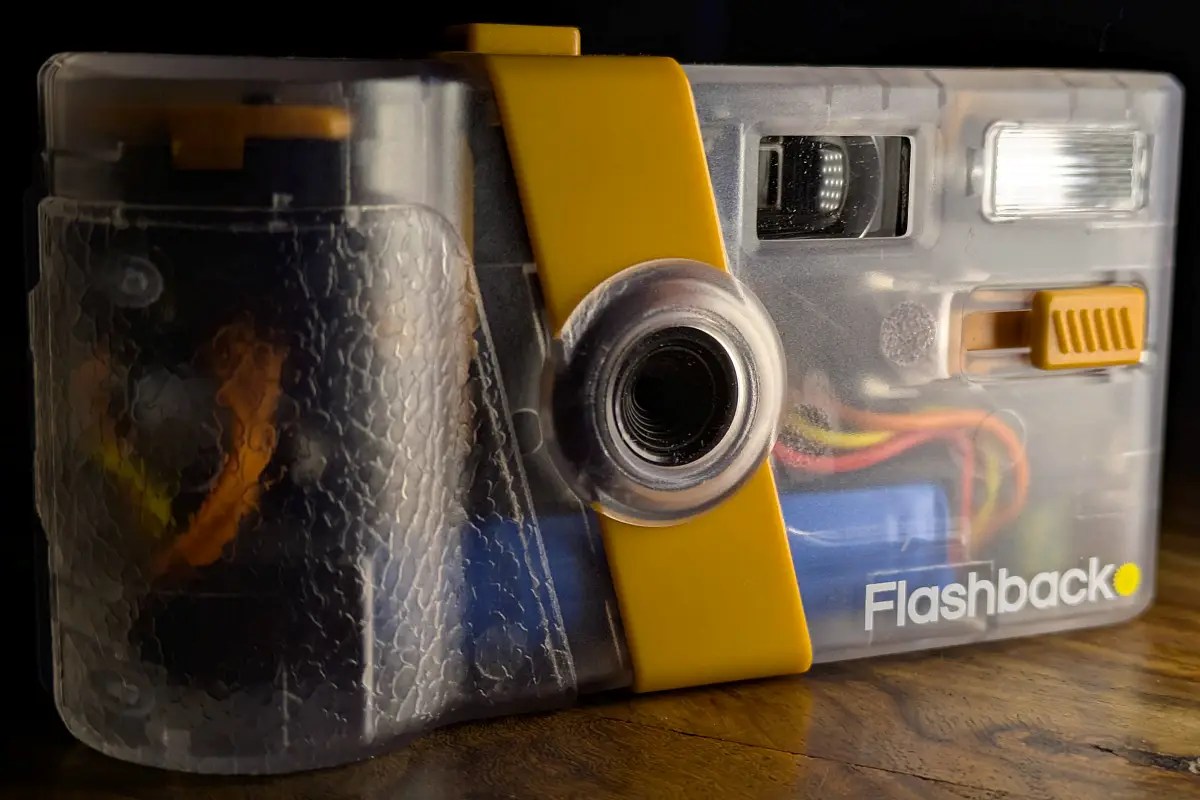
I’ve had the Flashback One35 V2 non-disposable film camera for a short time now, and I’ve run over 10 rolls of 27 shots through it to give it a good testing. It looks like a disposable film camera, you wind it on like a disposable film camera, it feels like a disposable film camera and you can only take 27 photographs before you need to” develop” the film. Welcome to my in-depth review of this camera.
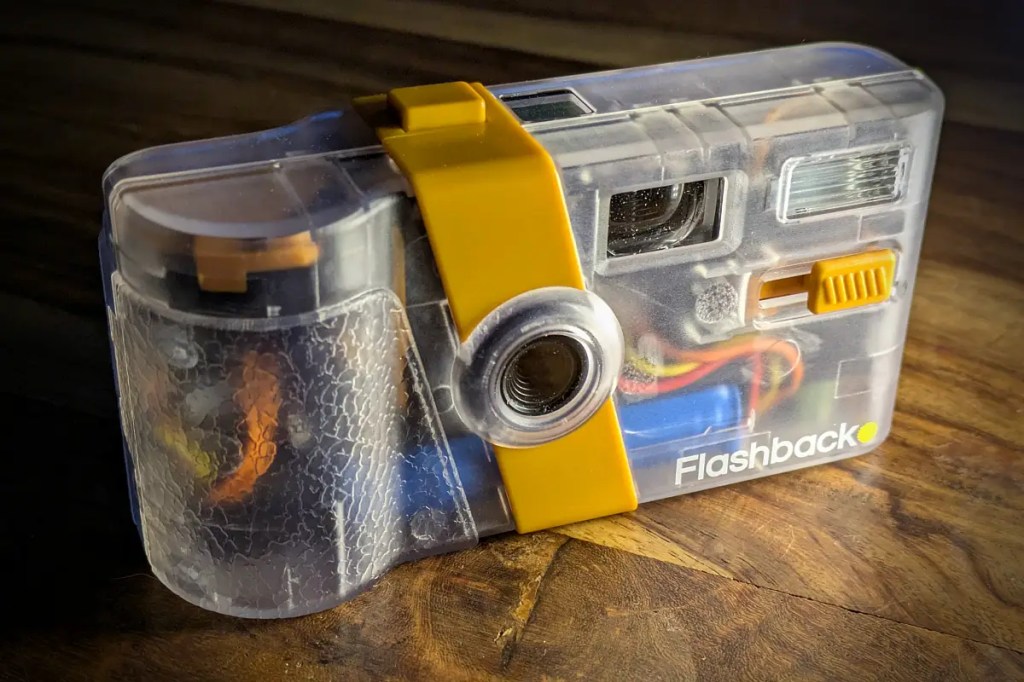
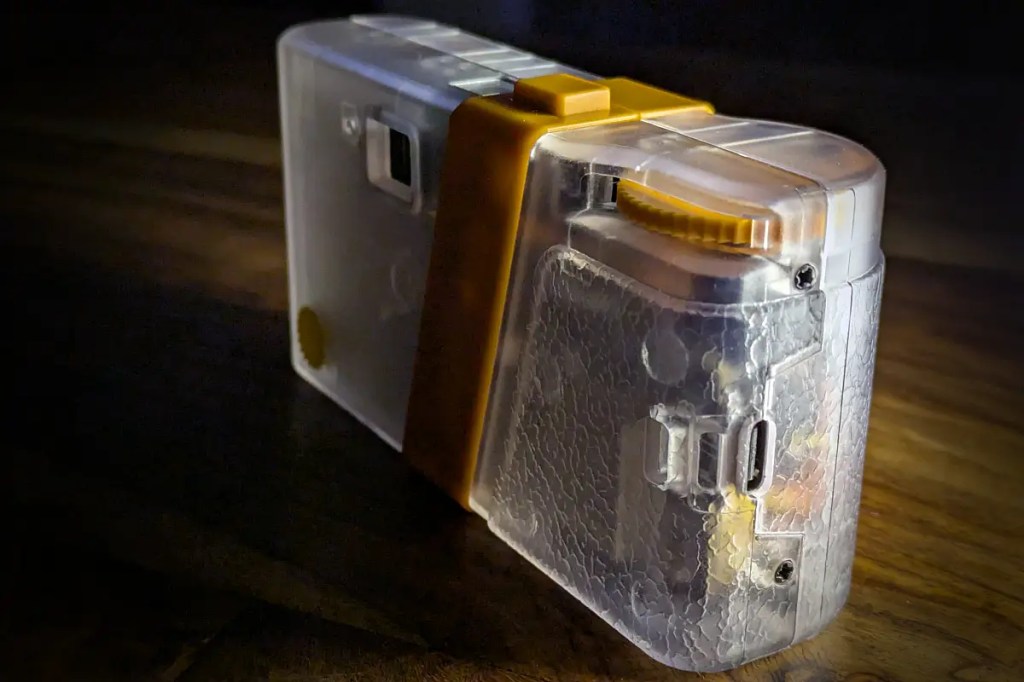
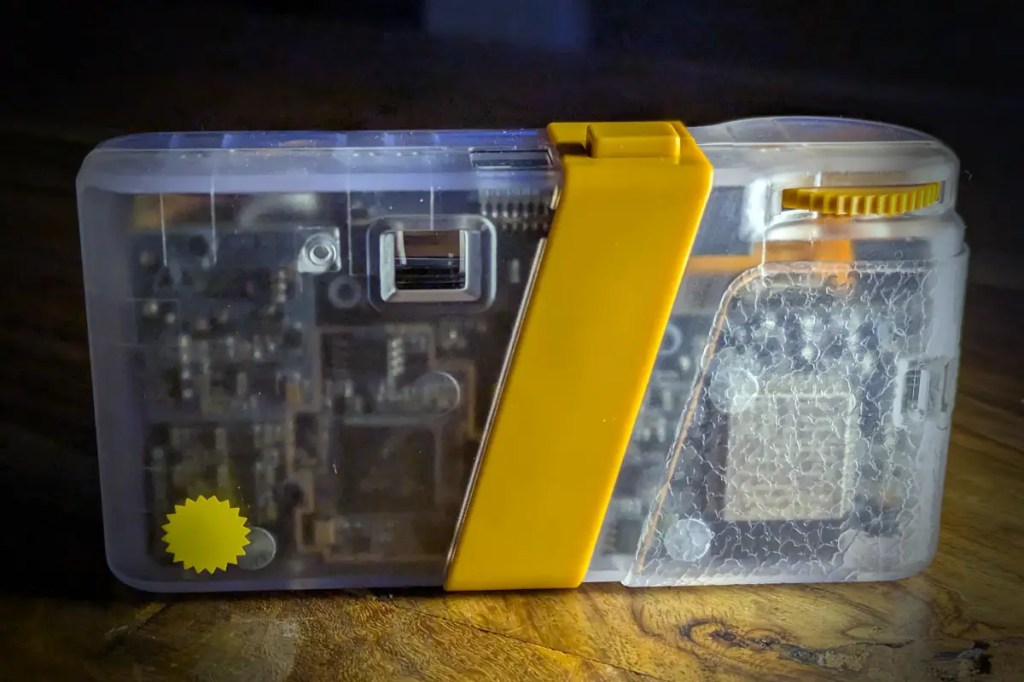
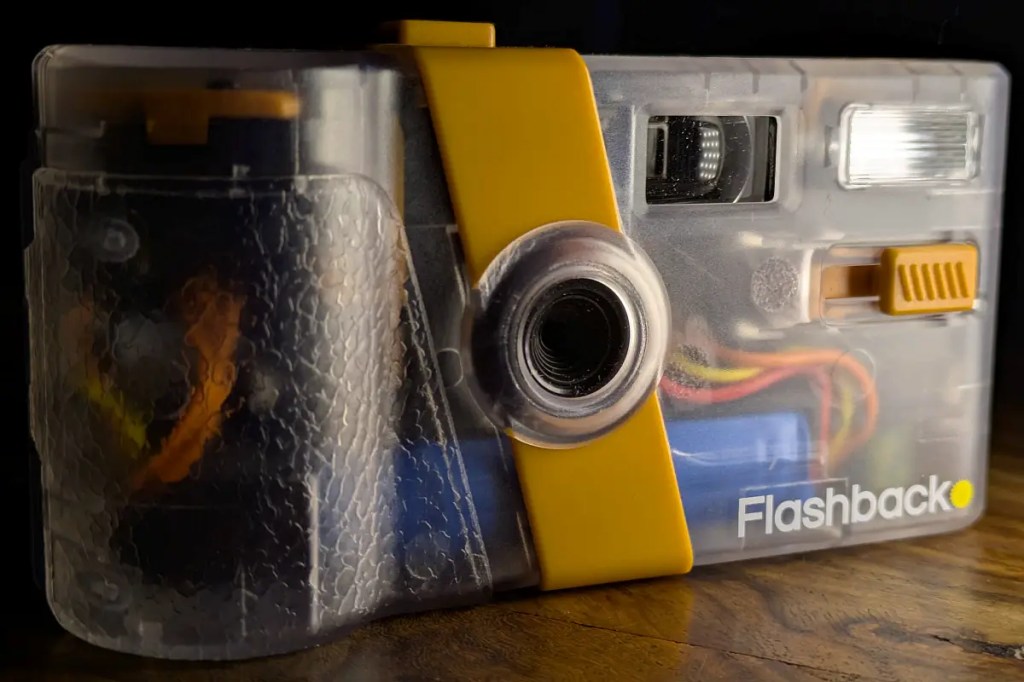
You’ll see this camera referred to as a “film” camera by many people, and especially those who have spent some time with it (myself included). It just feels like a film camera, and the digital images that come from it look like a disposable film camera image. For less than £100, you have the aesthetic, the feel and the experience of a disposable camera, without the added cost of getting the film developed.
Quick Specs
This camera is not about the specifications, it is about the experience. However, it has a 13mp sensor, 4 in-built looks, a very long battery life, a Xenon flash and a USB C for charging or transferring the raw files.
Taking a photo
This camera is super simple to use. If you’ve used a disposable film camera, it’s exactly the same! Wind the film forward dial, look through the glass viewfinder and press the shutter button. Each step, you are in the moment, and you are using a disposable film camera. Every noise the camera makes, the choice you make to slide the flash slider on or off, the viewing through the viewfinder and the thud sound of the shutter button… It’s a perfect recreation of a disposable film camera.
You have no digital display on the back of the camera to view your photographs you have just taken. There is a small window on the top of the camera that digitally counts down from 27 to 0 each time you take a photo, the analogue winder and that is it, simplicity at its finest. You are in the moment, you take the picture, and you wait until they’re developed until you see them.
The “film” look
The camera comes with the option to have four different “looks” which will be applied to your developed images (5 if you include the “negatives”). Two of the looks are highlighted in a previous post and feature many images of FlashbackClassic and FlashbackCine
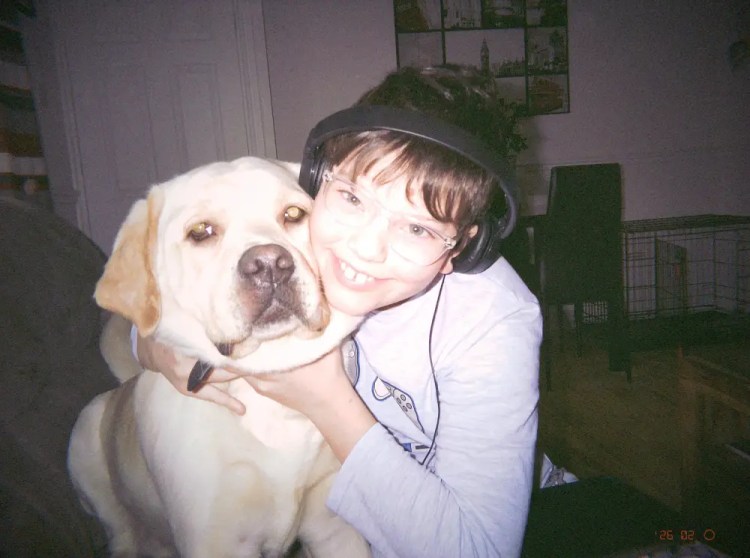
- FlashbackClassic – The classic disposable film look
This is the standard disposable film look, and is the most convincing film look that the camera comes with. I actually shared the images during my initial time with the camera and people actually thought the images were from a disposable camera. Grain is applied, along with a vignette and other goodness it’s applied to replicate the film look.
- FlashbackMono – The classic black and white look
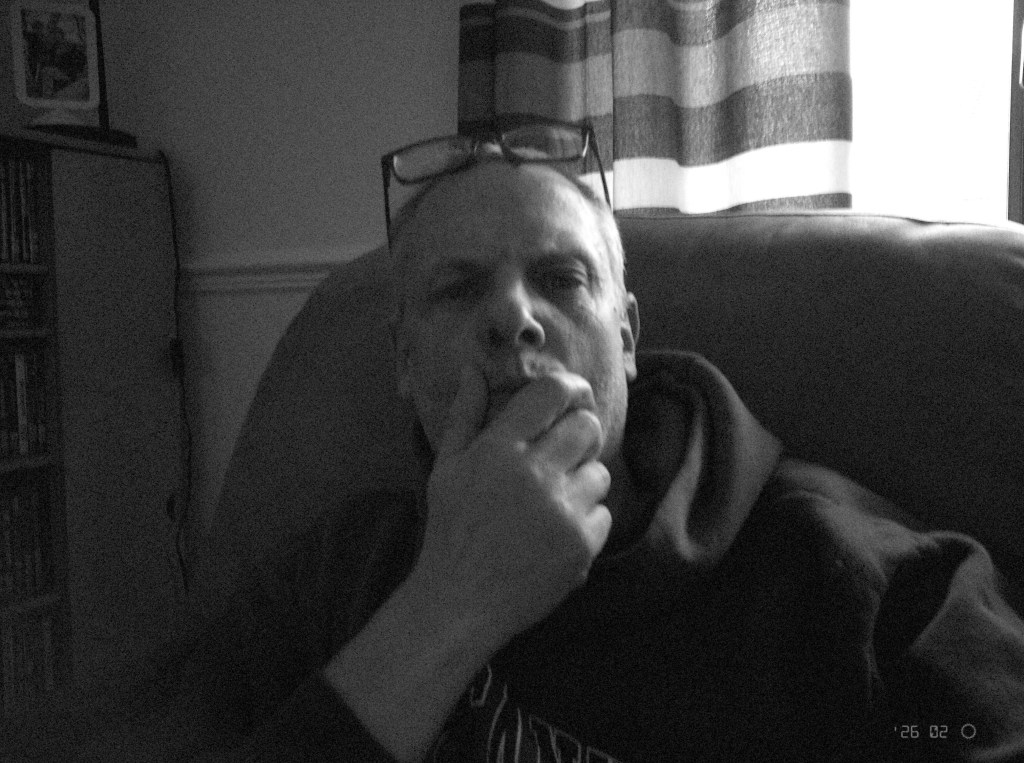
Mono is of course the black and white mode for the camera and again is a very film-like look. Again grain, vignette and other edits are applied on camera to make a convincing film looking image. A great alternative to the standard “Classic” option.
- FlashbackBeta – An Interesting Colourful Look
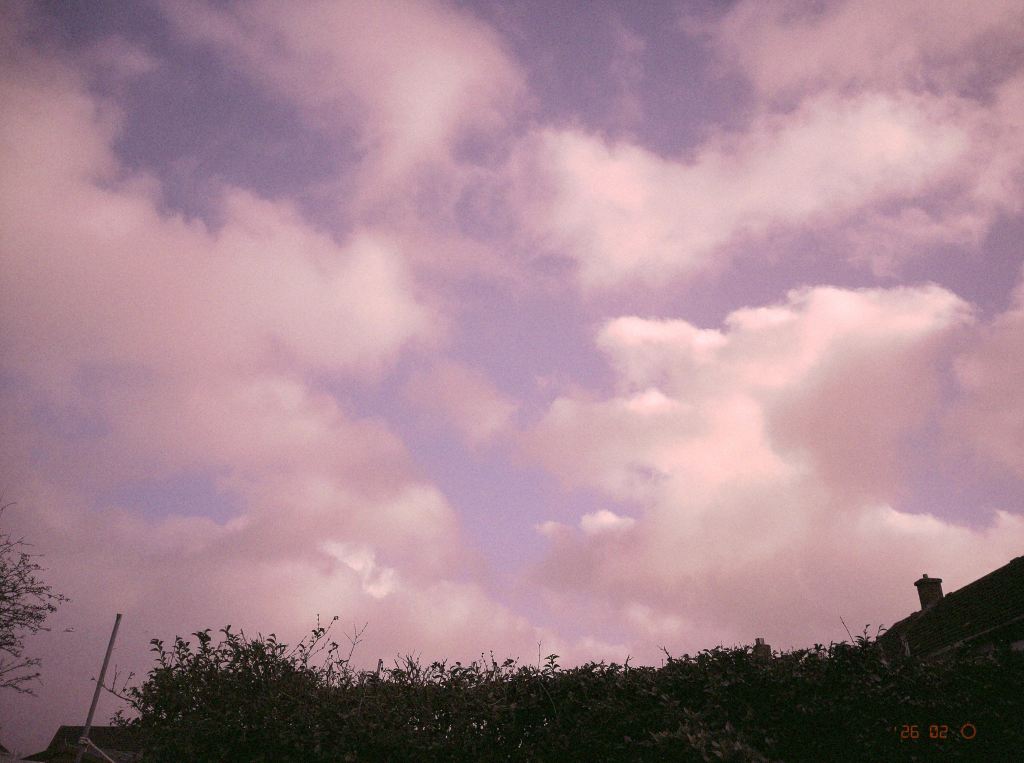
I’m not sure why this is called “Beta”, although it’s a very interesting “look”. The images come with a purple-ish cast and do have a feel about them that some people might like. It is not something that I feel I can use, but as it’s “beta” it might just be an experiment.
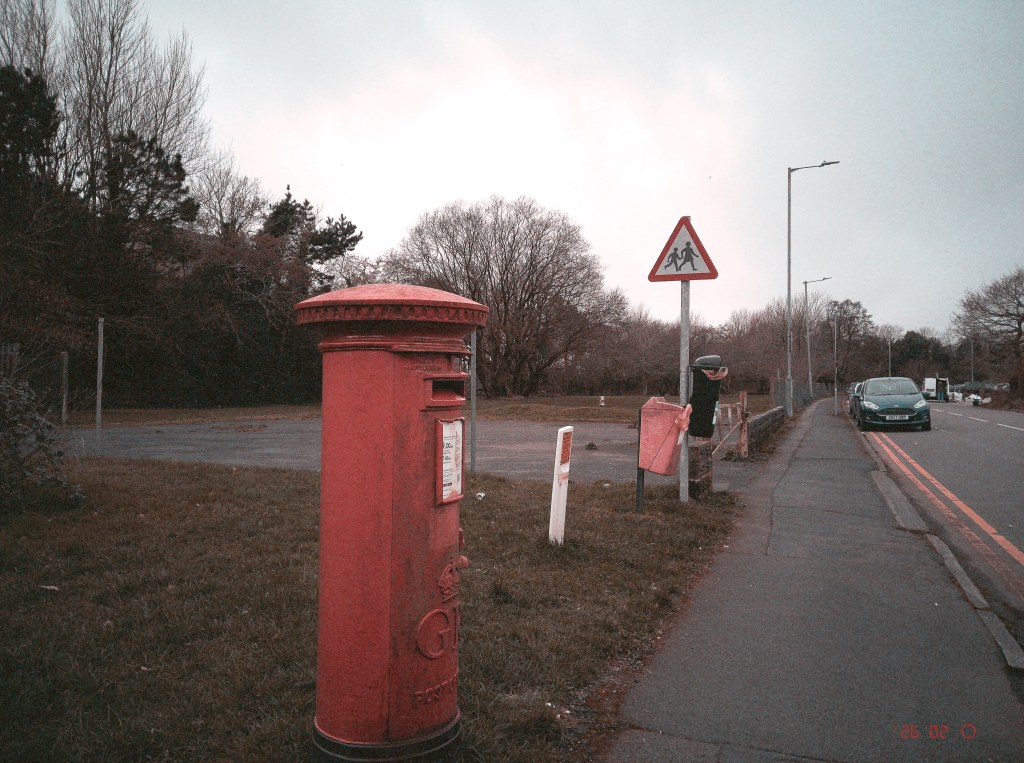
- FlashbackCine – A Cinematic Look For Your Images
This is an interesting one, and I accidently developed photos with Cine that I had planned to use with Classic (not so much an accident, but more about that in the “issues” section later). On the small screen, like your mobile phone, the images and colours don’t look very good for everyday shooting, however, in shots without people or looks quite good. Definitely one for landscapes or cityscapes!
- Raw Files – Your Images Unedited
Your images, untouched by filters and effects. The camera will shoot raw files. What you get is the raw image without anything other than a standard colour palette applied, which makes it look very nice and useable when transferring from the camera. If you plug the camera into a computer, you get a flat DNG file.
Developing and viewing the images
Once you have taken your 27 images (or less), you can not take any more pictures with the camera unless you send the images to the photo-lab. In the case of the Flashback camera, this is an app on your Android or Apple mobile device.
It is very simple, make sure the Flashback camera is turned on (just forward the film advance) and make sure you are on the application that you need to download the film. The app will instantly pick up the camera and you will have the option to upload the “film” to the lab. Once you click this button, you’ll have a choice of three ways offloading your images onto the camera
• Use USB Cable (Fastest And Most Reliable)
• Device Hotspot (Use A Temporary Hotspot)
• Use Home Network (Connect To Your Home Wi-Fi Network)
I have found option two (use a temporary hotspot) to be the best when offloading film, it seems to just work (most of the time, as one time it took two attempts to work) and it is quick and easy, with no need to connect any cables or need for passwords to access your router or network.
I have found option two (use a temporary hotspot) to be the best when offloading film, it seems to just work (most of the time, as one time it took two attempts to work) and it is quick and easy, with no need to connect any cables or need for passwords to access your router or network.
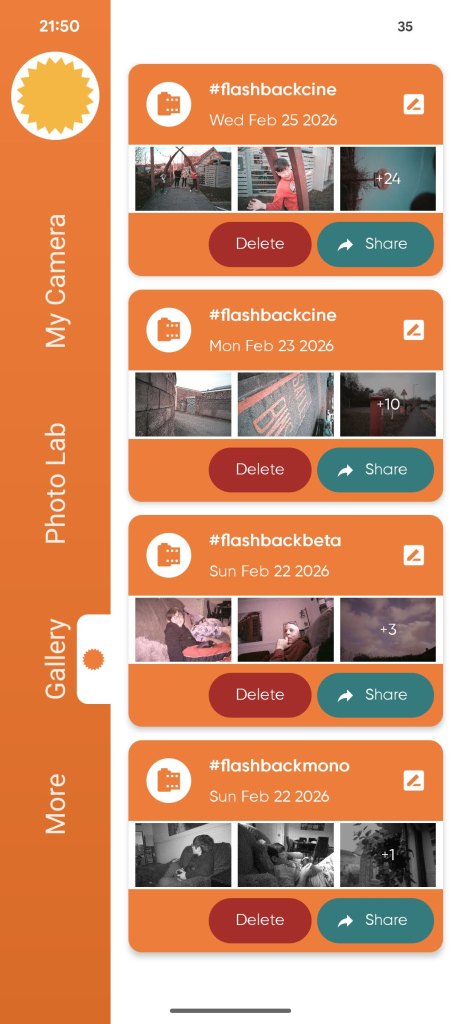
Once the images are downloaded to your phone, which usually takes no more than 30 seconds, they can be processed in the Photo Lab section, where you can decide how to process them.
You’ll have the option to save the set of images to your camera roll (Gallery), and to download “negatives”. Downloading them to your camera roll saves them to your device, while the negatives only seem to be unaltered jpeg images, so look like they were taken on a camera with no colour profiles etc applied.
As you can see, the app is nicely laid out in sections and simple to understand.
Do images look like film, and does the Flashback feel like a film camera?
As I touched on in the first couple of paragraphs, the Flashback One35 V2 camera is meant to give you the look and feel of a disposable film camera.
I’ve taken this camera out with me and used it among friends and family, and played with it while eating food in cafes and eateries and every single person who has used it or just seen it at a glance has commented on why I’m using an old disposable film camera!
It’s amazing when you then pass the camera to them and they instinctively move the film advance dial, or try and press the shutter button while looking through the little glass viewfinder and can’t press the button because they haven’t wound on the film.
There joy they express when they hear the clunk of the shutter or the smiles as you flick the “flash” switch and the little red light slowly comes on so they can use the flash, it’s all part of the experience.
And recreating film is more than the look of the images, it is all about the experience. The Flashback camera captures the experience unlike any other digital camera I have used. It is so convincing that the people who see you with the camera and using it just don’t believe it’s a digital camera, and that is a HUGE part of the experience.
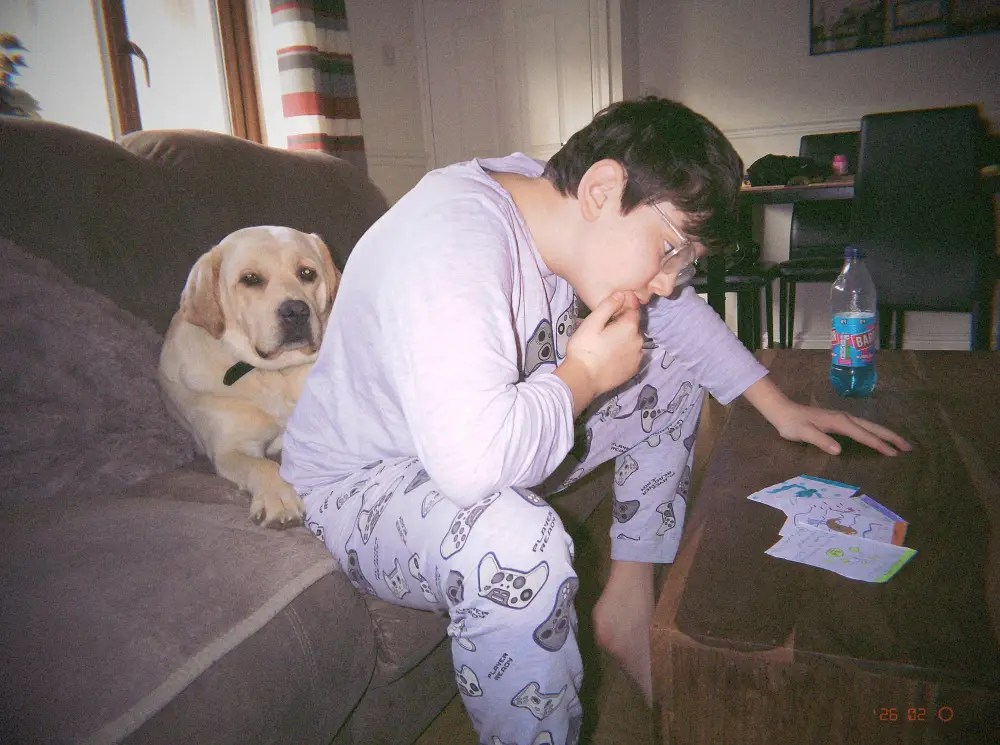
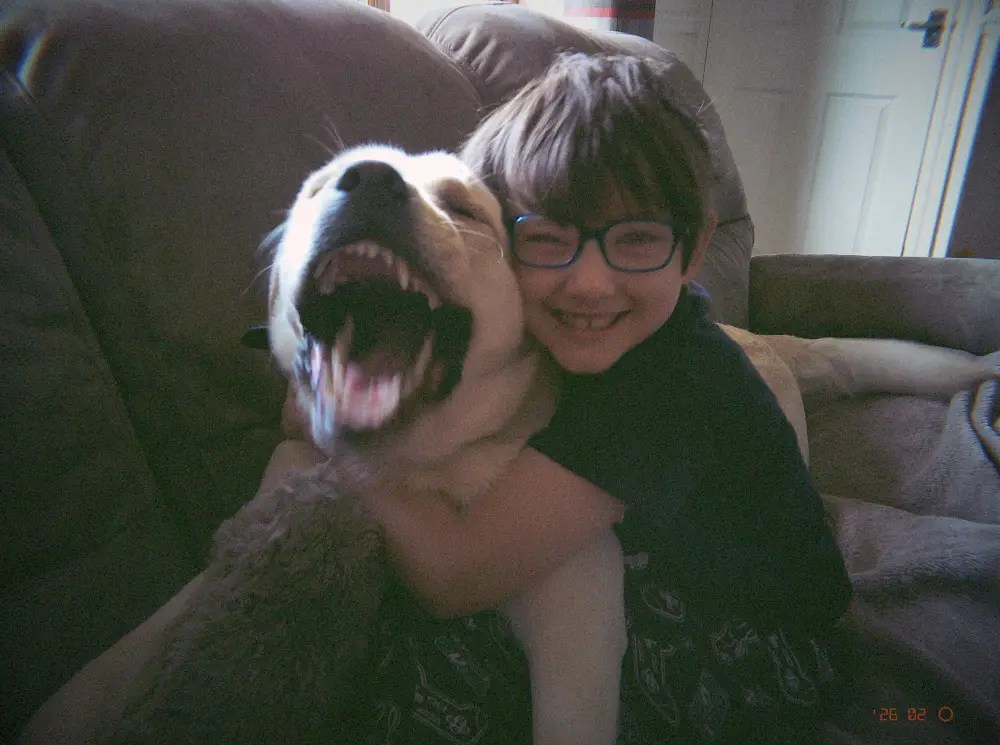
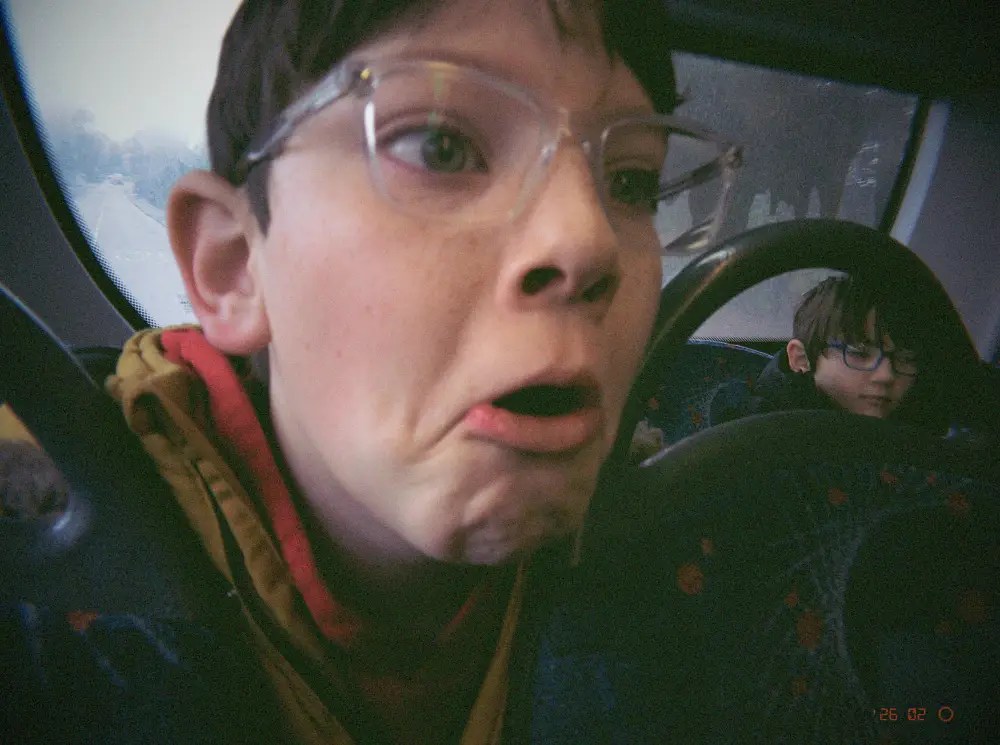

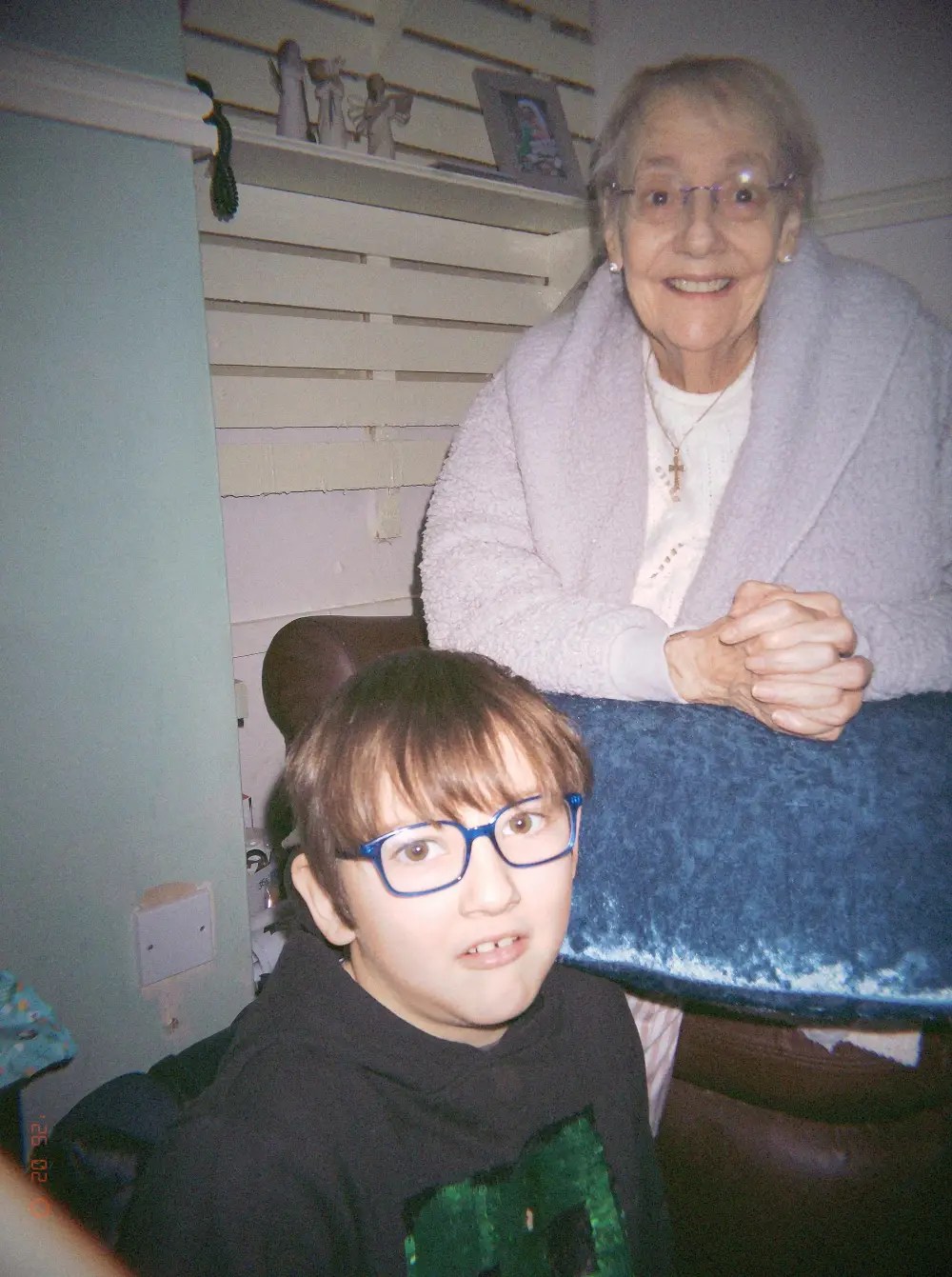
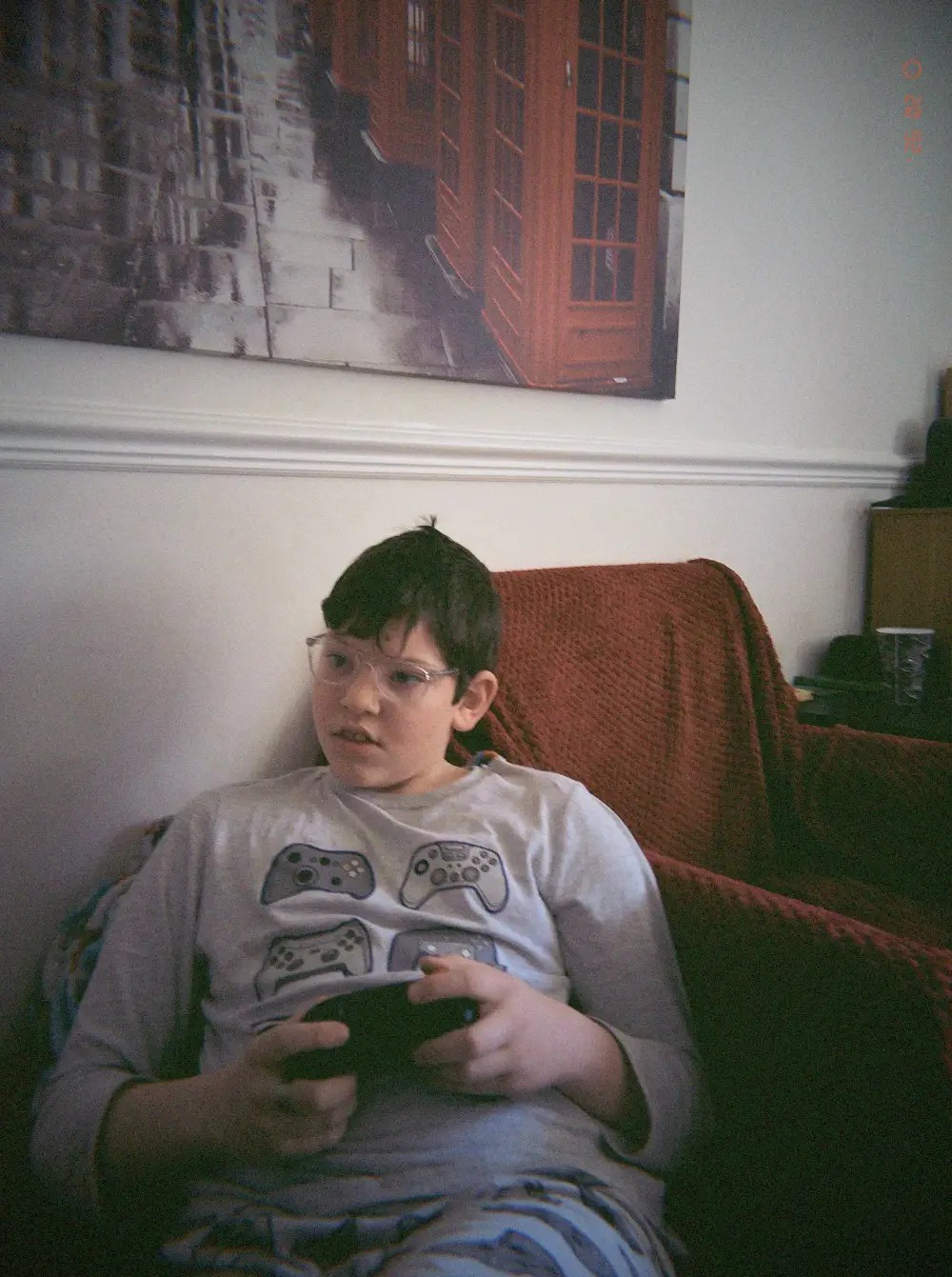
The above images are all taken using the FlashbackClassic look, which is by far the most authentic colour look the camera offers.
Some issues you may encounter
Sadly, you may encounter a few issues with this camera, that I’ll sure they can sort out with a few firmware updates, and some issues that she just inherent because of the design.
• The first time you wide forward after the camera comes out of “rest” mode having being inactive takes much too long, and it just feels unnecessary compared to the perfection that is the standard wind-on amount.
• The viewfinder is quite “muddy” and everything just looks blurry at certain angles. This may be intentional, but it does make you think your vision is off!
• Loading in different looks is very hit or miss. I shot a party after setting the camera to classic mode, and checked the look before uploading the images to the app and they still developed in Cine mode (which I had previously used). This happened on a few occasions, and my only work around was to constantly go back to the development section and choose the look I wanted until it stayed (often taking a single test shot just to make sure the selection has stuck). Once you are in a look though, it will stay in that look, it doesn’t randomly choose a different look, it’s just temperamental at initially staying with the look you choose.
• Transferring images is smooth and quick most of the time, but sometimes it may take a couple of attempts to get your photo onto the app.
Conclusion
Let’s get one this straight. The Flashback One35 V2 camera will not replace your main mirrorless or DSLR camera. It won’t replace your film camera or even your mobile phone. What the Flashback camera offers is a camera that you can you is parties, with friends and family, in events and possibly even weddings, where you want to bring the joy of nostalgia and fun into people’s lives.
The camera is a talking piece, that happens to take film-like photographs while giving an authentic disposable film camera experience. It’s the perfect camera to use to capture memories and make them look old. You’ll talk about the experience you had, and the experience the camera presents. The Flashback One35 V2 is an experience camera that you can share with friends, even buy for those family and friends who pine for the good old days of film.
Is the camera a gimmick? Of course it is! But it is done so well that you’ll keep coming back for more when the occasion calls for it.
You can find all the latest articles and blogs on my homepage here.
My main photography social media page is my Facebook One Camera One Lens Photography page.
Nikon Recipes for the Z system can be found here.
You can find a complete list of my gear here.
* I was given this camera free of charge from Flashback. They had no say in what I write, or what I have said in my YouTube video, and the review is completely unbiased. I make no money from this review.
 One Camera One Lens Photography
Hey Mark, an honest review in my opinion, well done!
LikeLiked by 1 person
Thank you.
LikeLiked by 1 person