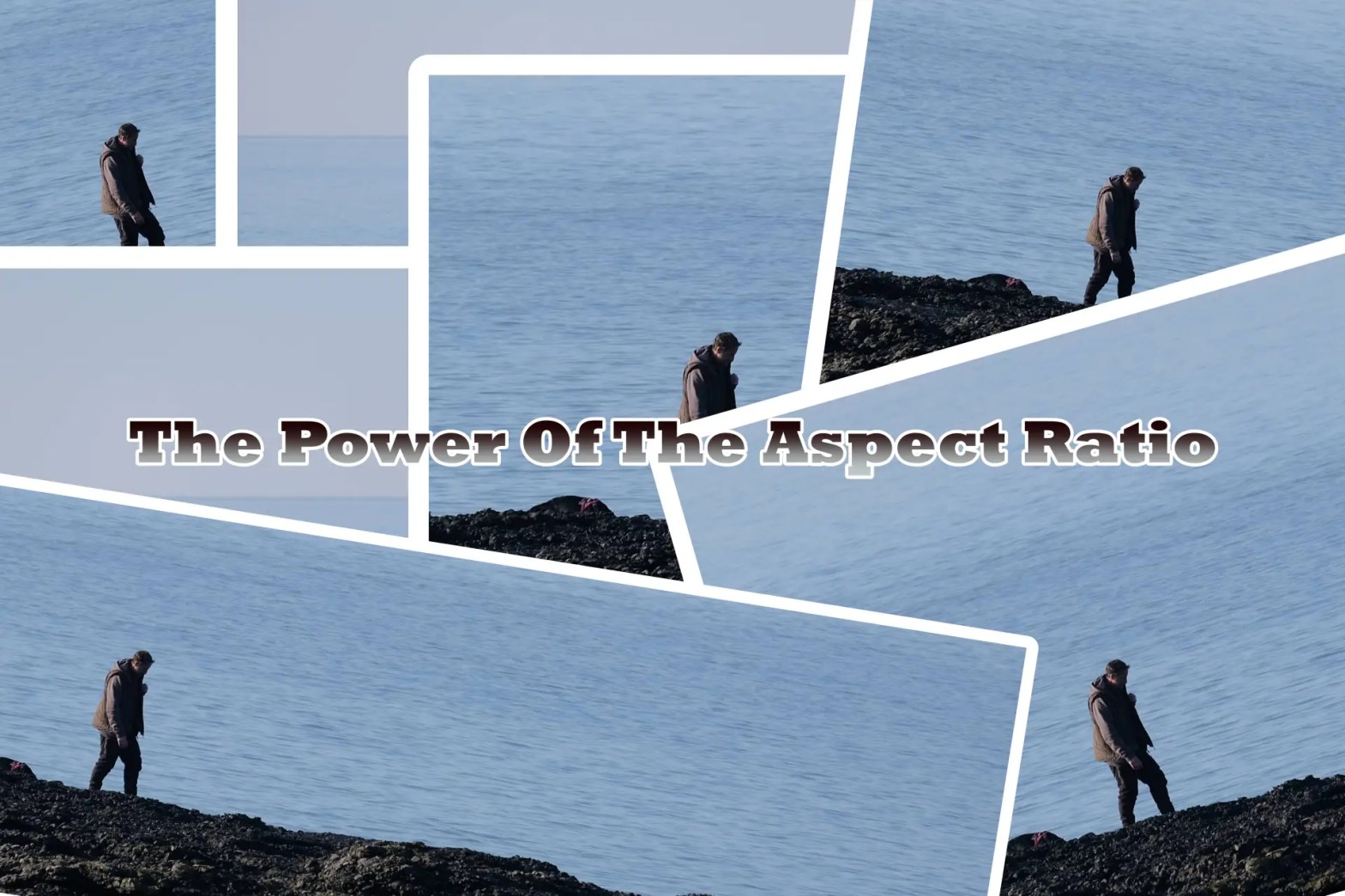
The way you decide to present your images is always important. For many people though they don’t use the power of the aspect ratio in their work. More often or not you’ll see their images displayed in their out of camera ratio of 3:2 (most cameras) or 4:3 (micro four thirds).
In this article we will take a look at the power of using different aspect ratios in your work. I am not alone in almost exclusively using one aspect ratio, and for me that ratio is 5:4. I’ll let you know more about why I use this in the examples below.
“3:2 – The Standard Of Standards”
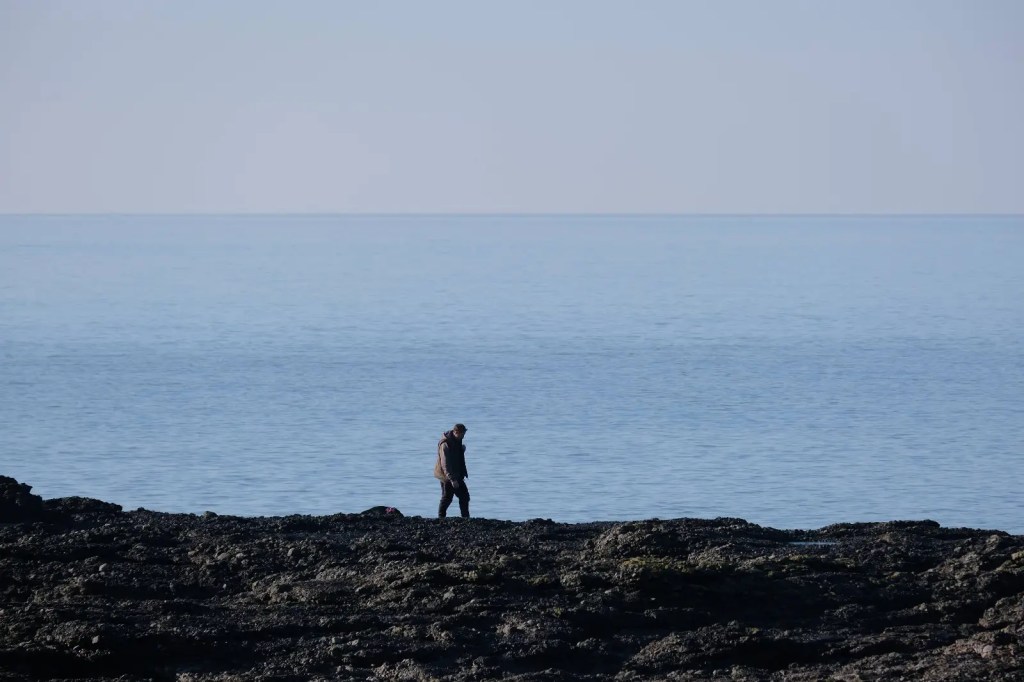
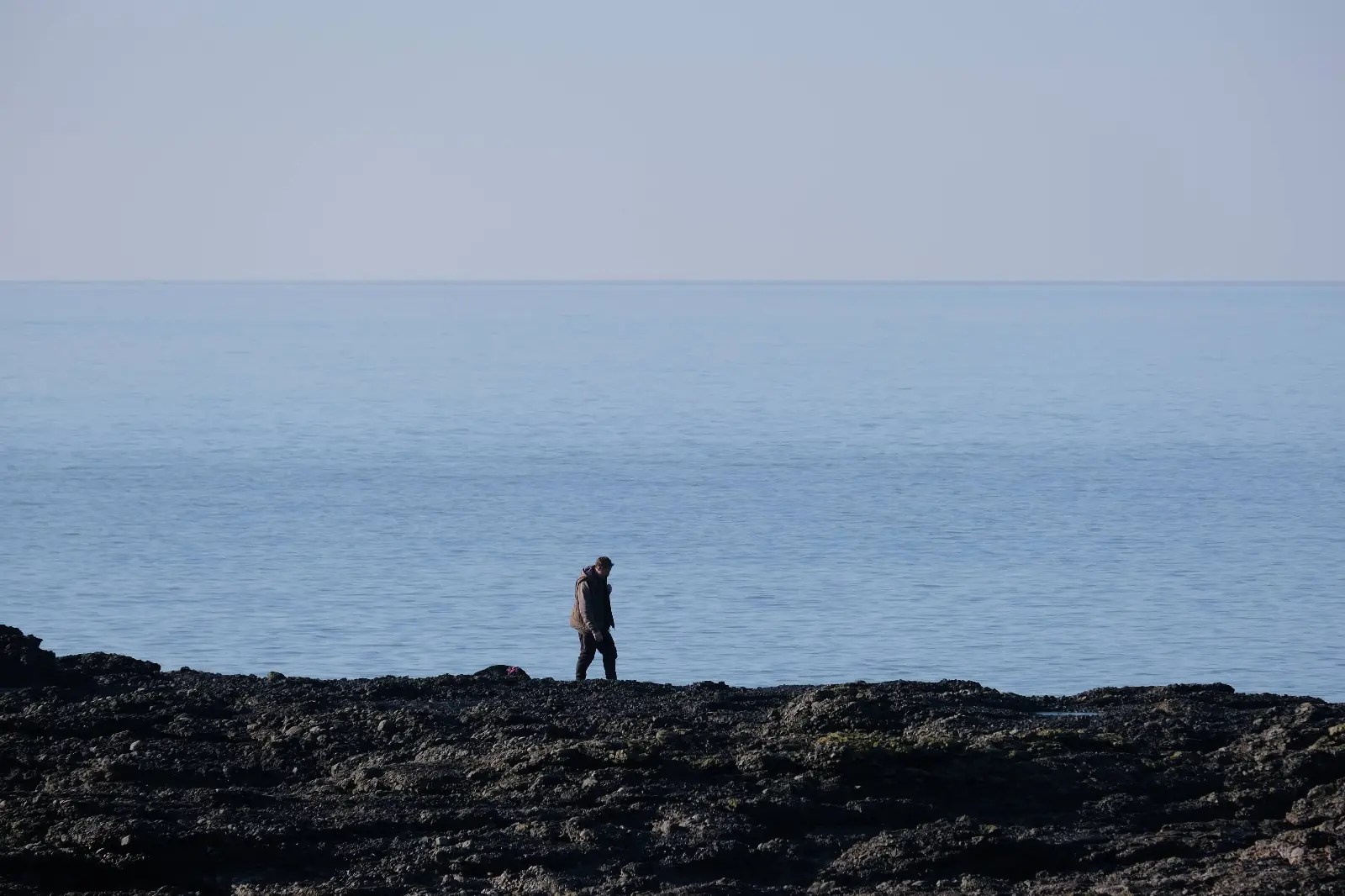
To start with, here is an image with a straight from camera 3:2 aspect ratio. There is nothing wrong with it, and you can see why many people don’t bother you crop to a different aspect ratio.
“4:3 – The Micro Standard”
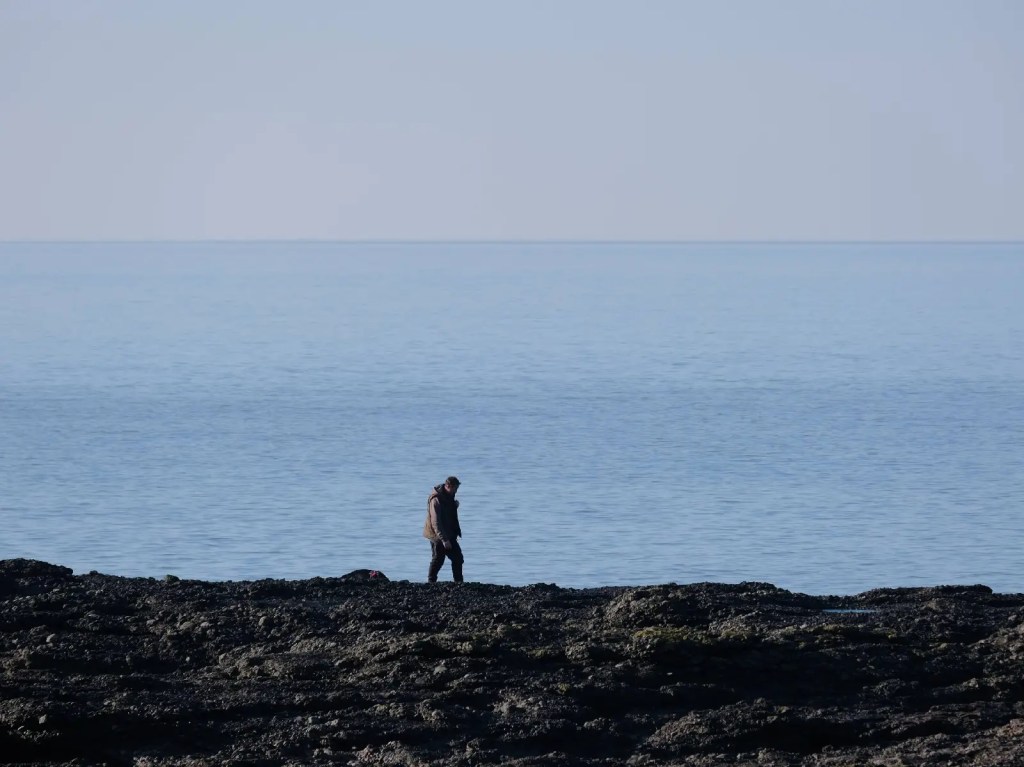
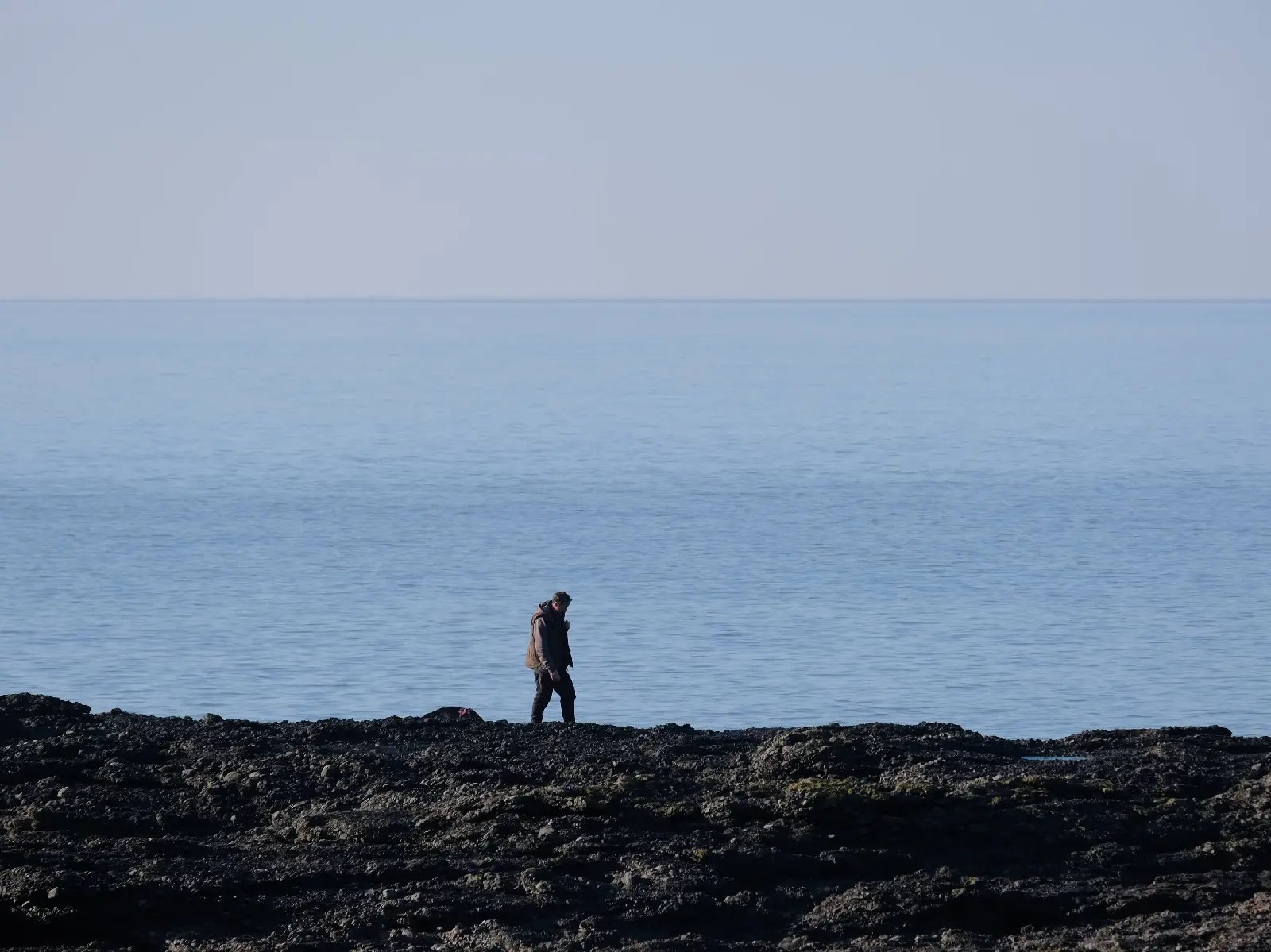
Here is the same image in a 4:3 crop that is found on micro four thirds cameras.
“5:4 or 4:5 – Instagram And Others”
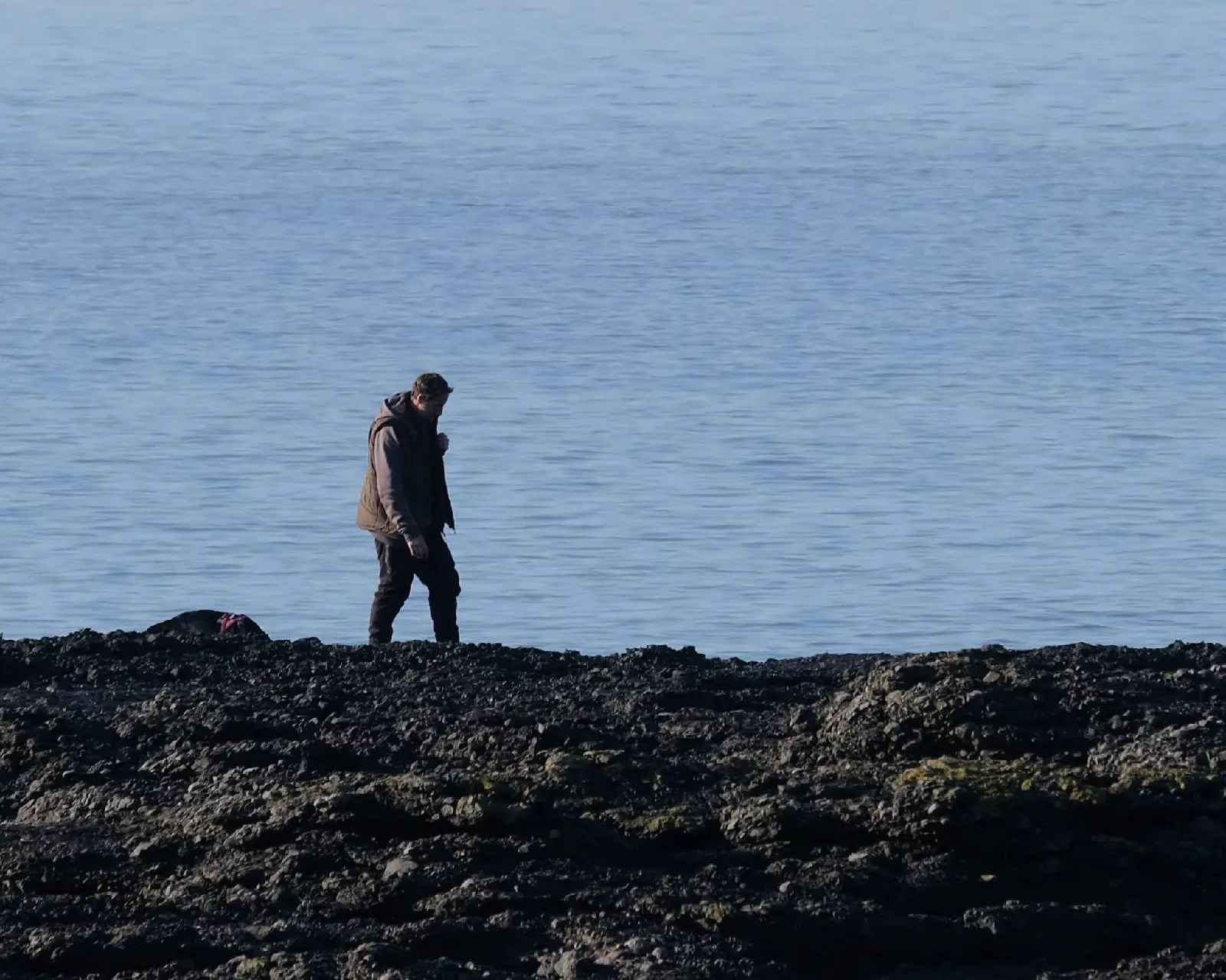
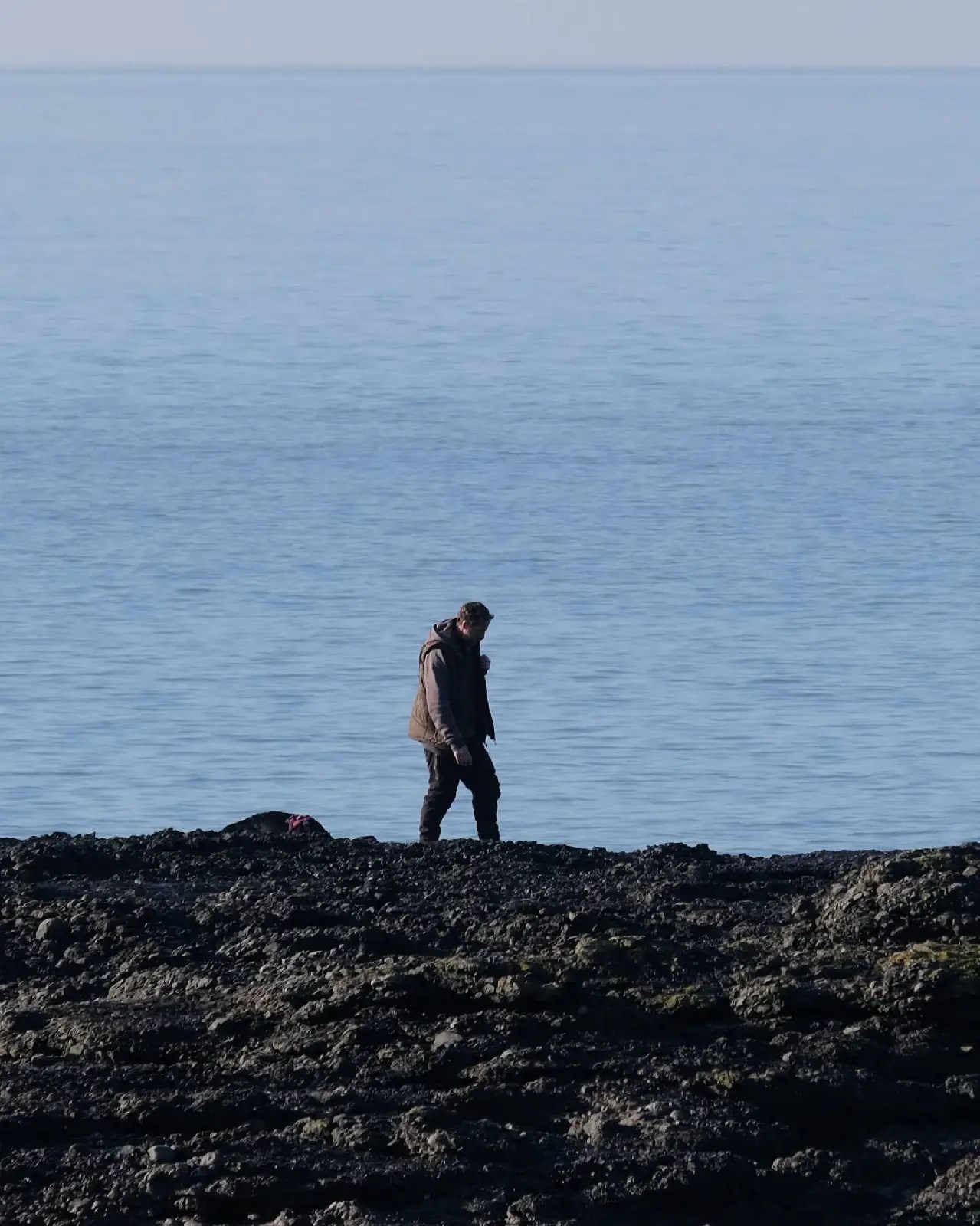
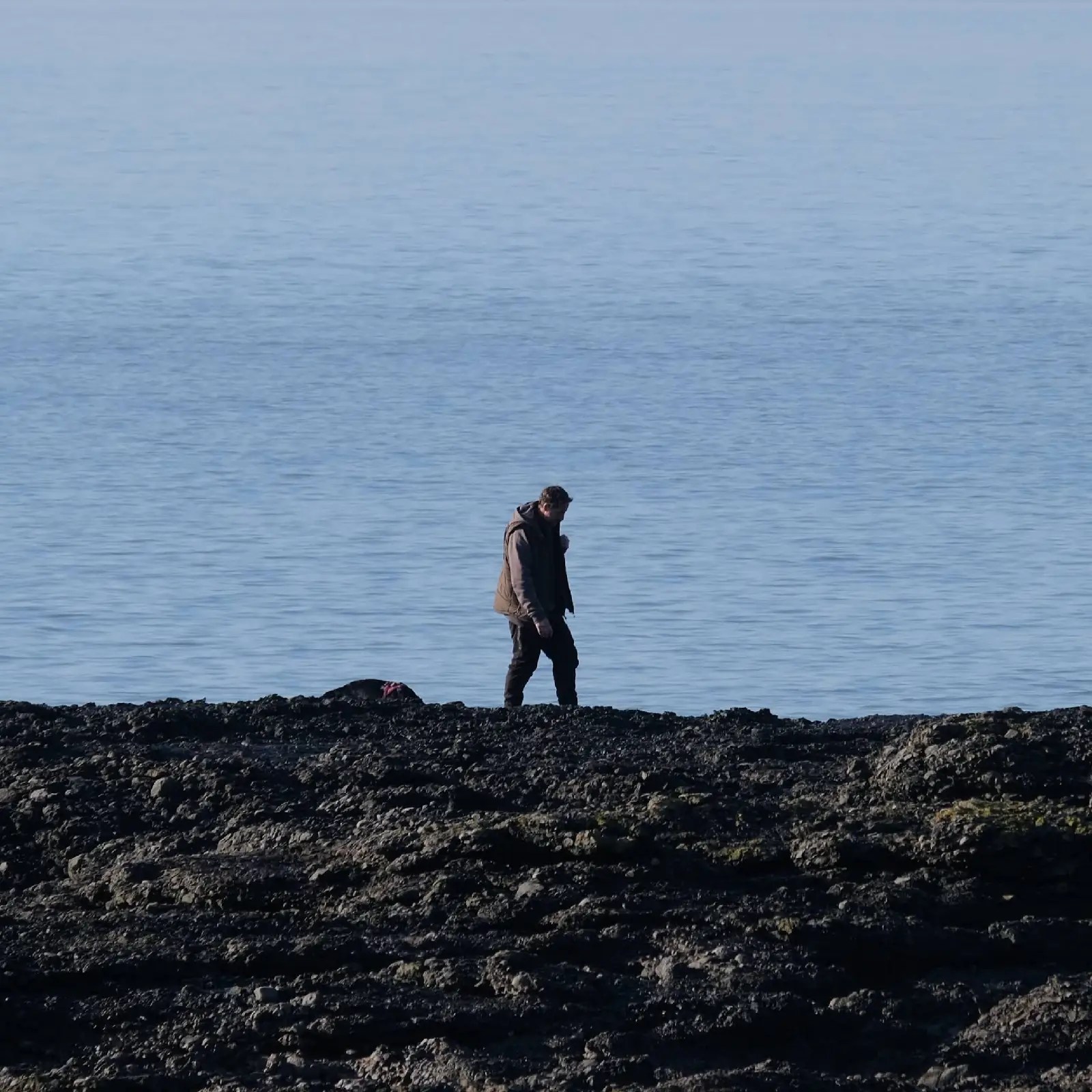
This is my favourite aspect ratio. Here I’ve taken the same image and cropped it up both 5:4 and 4:5. For me it’s the sweet spot, being not too wide and not to tall no matter which orientation you use it.
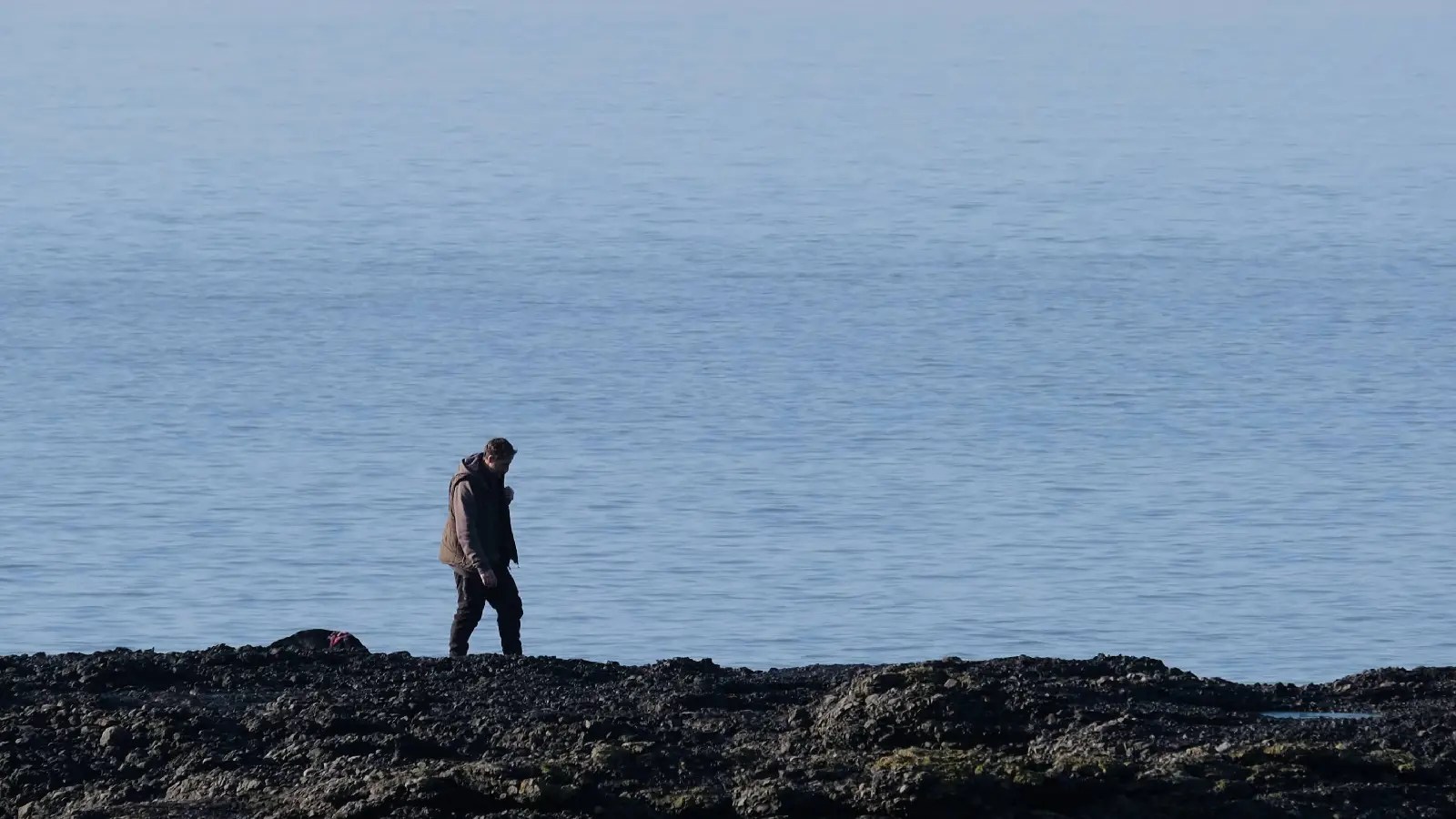
“16:9 – Cinematic Wide-Angle”
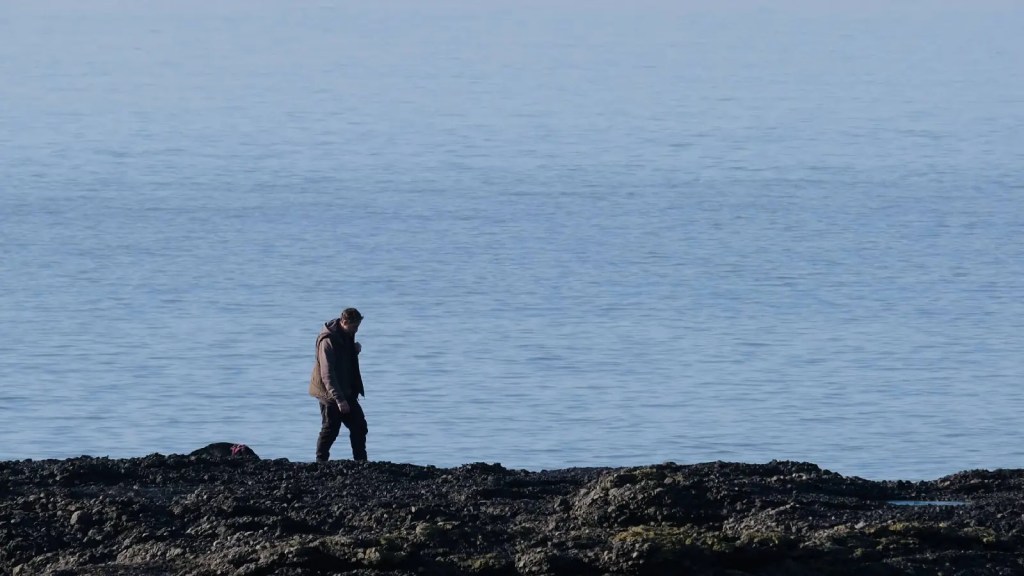
Here we see the image in the cinematic 16:9 aspect ratio. It can give your images a very cinematic look, with a nice long frame line Ideal for landscapes and shots where you want to highlight the beauty of something, showing off it’s surroundings and telling a story.
“1:1 – You’re So Square”
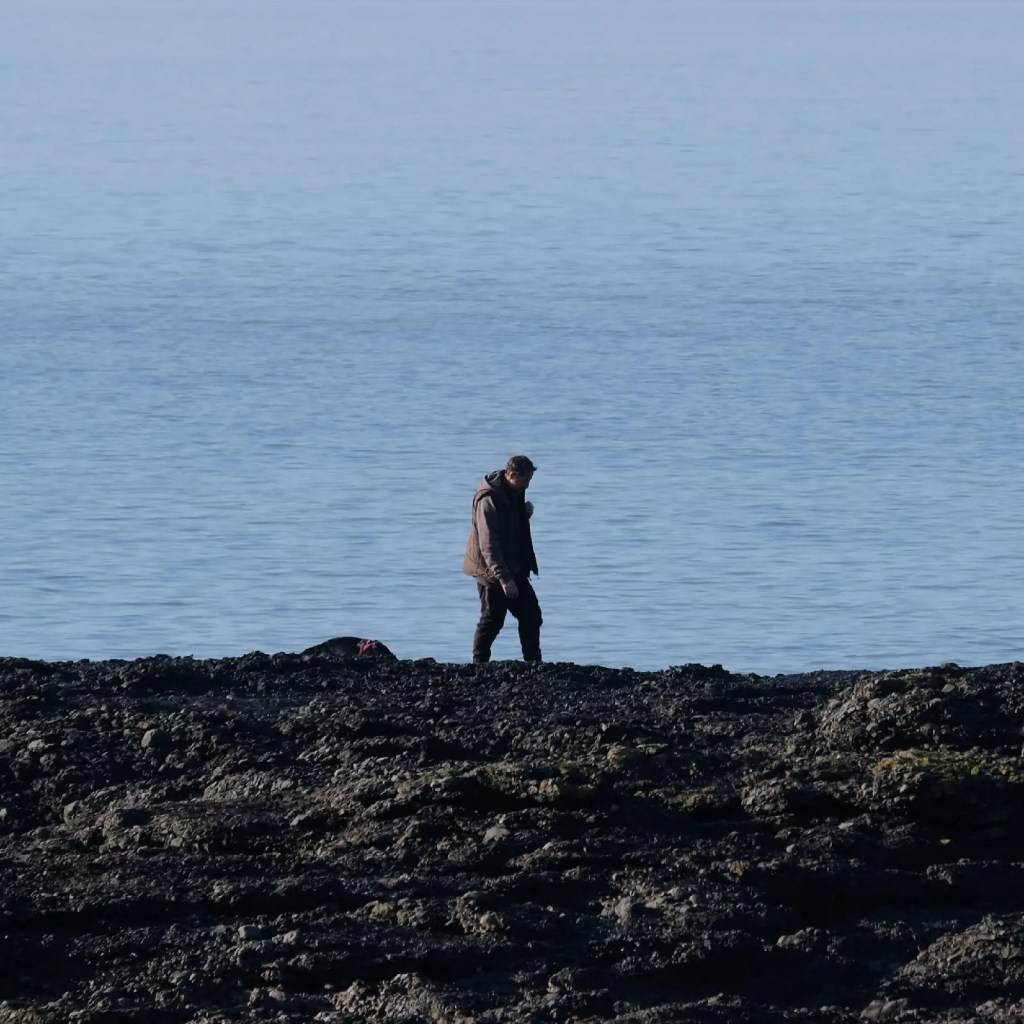
The 1:1, square aspect ratio works for all kinds of photography, especially people. It can give you a very nostalgic look, replicating the look of Polaroid film. It can be more difficult to work with, but that’s what makes square photography so much fun.
“65:24 – XPAN”
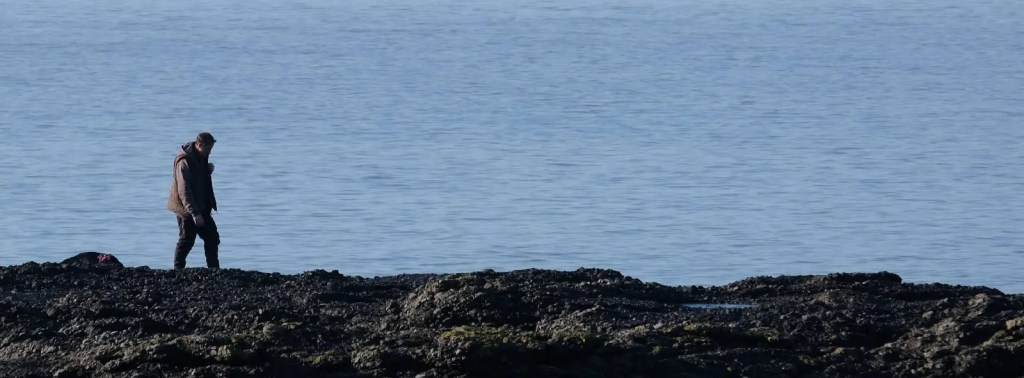
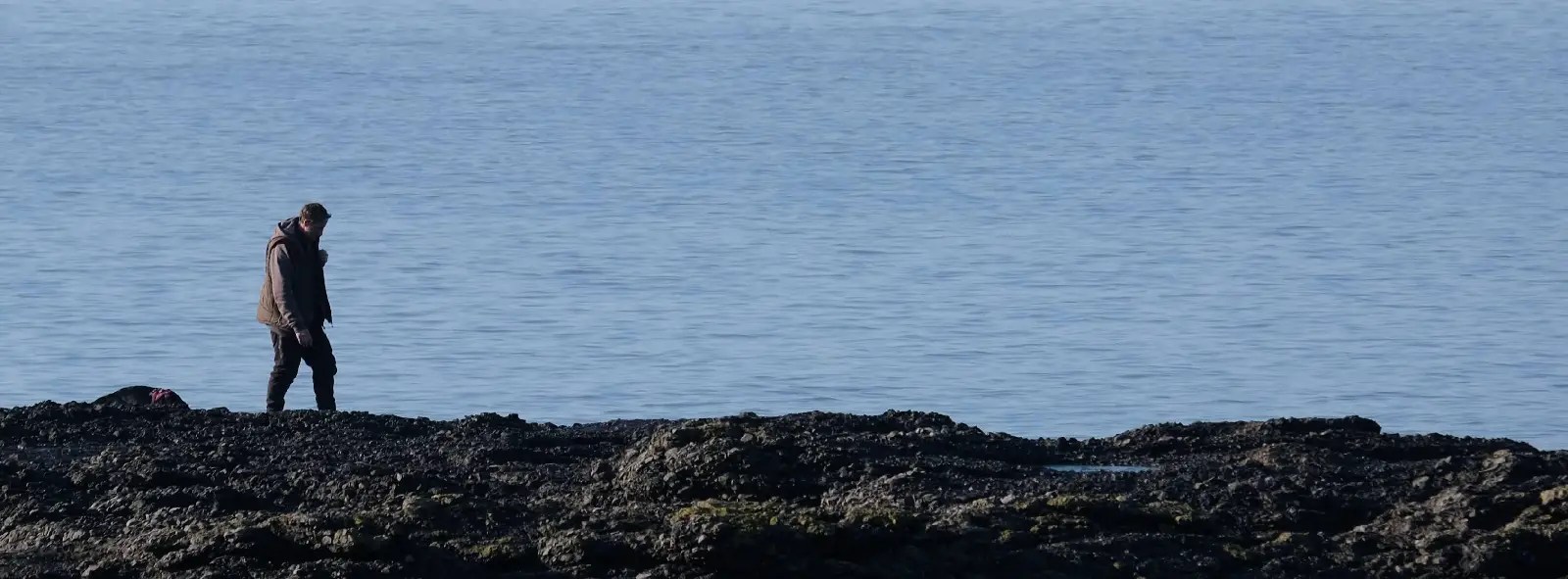
Otherwise known as XPAN crop mode this ultra wide aspect ratio can showcase vast landscapes and be used highly creatively with portrait photography.
“Conclusion”
Be adventurous with the way you present your images. The aspect ratio can add to the story you are telling with your image.
If you are brave, set your camera up to shoot in your desired aspect ratio, or at least set the on-screen guidelines to show you what the image could potentially look like.
Of course, there will be some people worrying about losing megapixels because of the crop. But honestly, unless you intend to print a billboard with your image, it really doesn’t matter. People are obsessed with megapixels even when they do nothing with their images other than put them on social media, their websites or make prints up to A3.
Start being creative with your crops (me included in that!)
“Altogether Now”
Here they all are side by side for you to see the difference.
My name is Mark G Adams and I run Photography By Mark G Adams. I am a professional photographer from South Wales, shooting weddings, events and portraits as well as running meets and workshops. For fun I like to shoot landscapes, wildlife and occasionally do street photography. Enjoy my website as I share my knowledge learned over decades of working and having fun in photography.
You can find all the latest articles and blogs on my homepage here.
My main photography social media page is my Photography By Mark G Adams page.
Nikon Recipes for the Z system can be found here.
You can find a complete list of my gear here.
DOWNLOAD THE LATEST “ADVENTURES IN PHOTOGRAPHY” MAGAZINE FOR FREE HERE
 One Camera One Lens Photography
Nice article. I’ve always been quite conscious of aspect ratios and rarely leave everything in the camera’s native format. Most of my own work ends up in 16:9 because I enjoy the cinematic feel it gives an image. That said, not every image fits the same frame. Sometimes a photograph simply asks for a different aspect ratio, and that’s where experimenting becomes interesting. The examples here are a good reminder that the shape of the frame is part of the creative process, not just something decided by the camera. I’m sure quite a few of your readers will find something useful here and perhaps be inspired to experiment with different formats themselves. Great article Mark.
LikeLiked by 1 person
Thank you Marc, yes, it’s causing some great conversation on the groups I’ve put it in. Thank you 🙏
LikeLike