

I was lucky enough to have a visit to Tenby in West Wales recently, and decided to take the opportunity to take photos of the area and try out a new Fujifilm film simulation recipe I designed. The idea of these “recipes” is to get the image to a point, in camera, where little to no editing is required to achieve the look you want. Here is MGA Classic Pro.
Based on ProNeg Std, I knew I wanted a colour profile with a natural look. Something that could be used for everyday use, and give a lovely look without needed to edit the photo. I took these photos over a number of days, and the weather changed from sunny, to cloudy, to raining and back again on numerous occasions, so there’s plenty of examples of its look. And what better place to take stunning photographs than Tenby and area (we also took in Laugharne and Saundersfoot).
As well as enjoy the location and try out a new recipe, I also took the time to extensively experiment with a new focusing mode that I have been using recently. More on this will be in a future update, but needless to say, of the 306 photos I took during this time, not one missed focus, and the camera was even handed over to my wife, and she was impressed with its abilities!
Anyway, enough of the technical mumbo-jumbo, here are the images taken with the Fujifilm X-T3 and XC15-45mm lens. This is my preferred day-trip set-up, as it’s light and versatile! I actually fell during this shoot, and my lens (and camera) disappeared under the sand. For a while, the lens would only focus with the outside ring (slow zoom), but thankfully, it now works again! Phew!



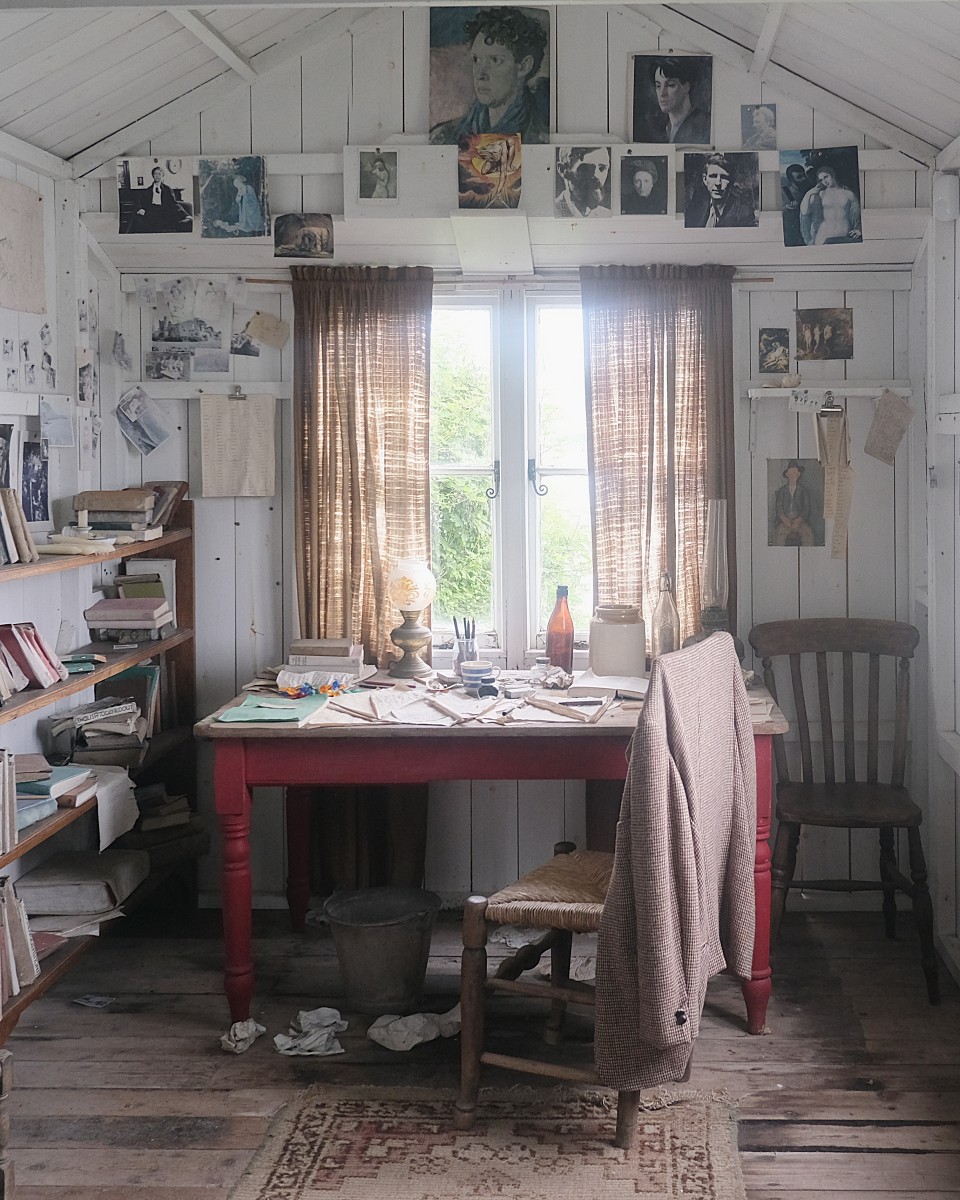
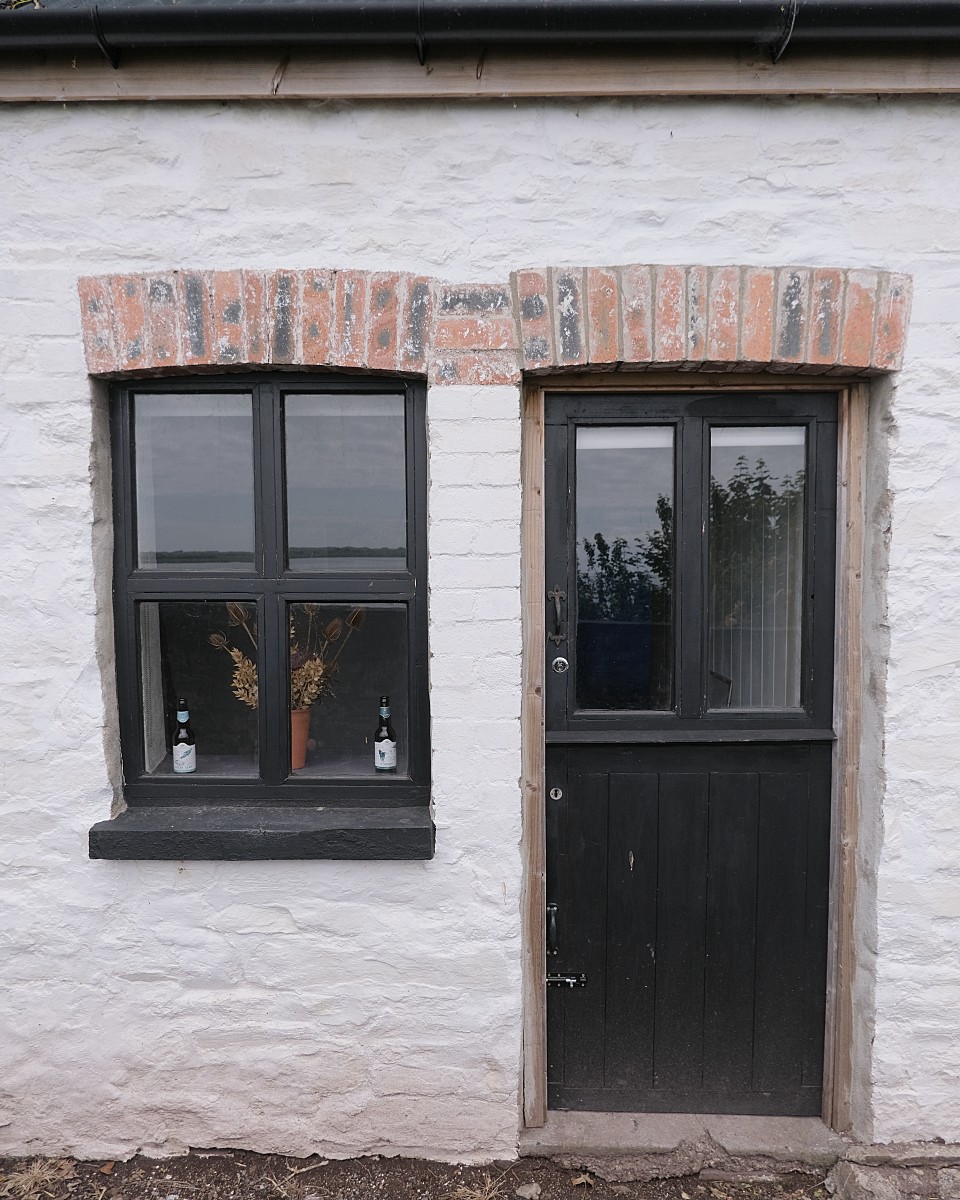


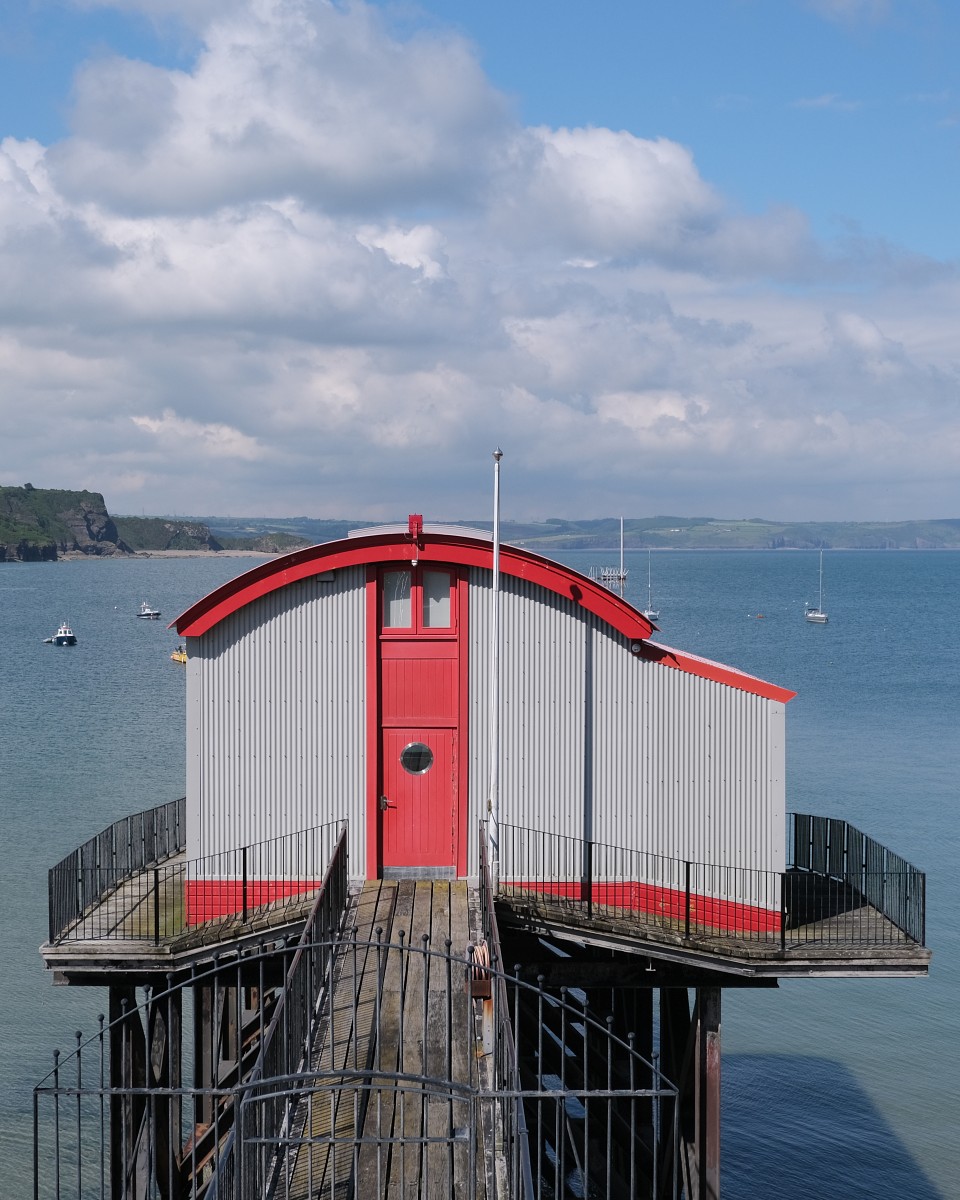

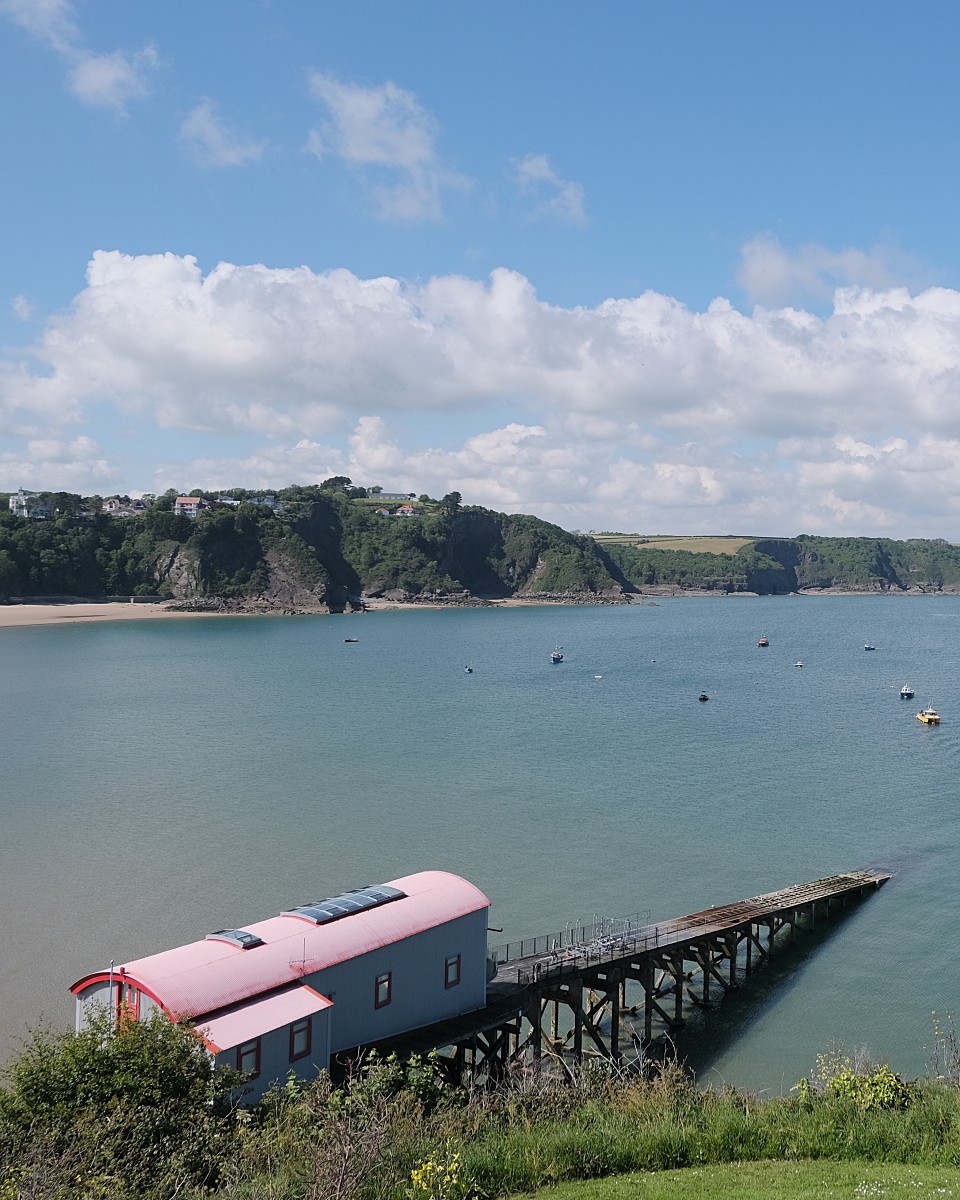


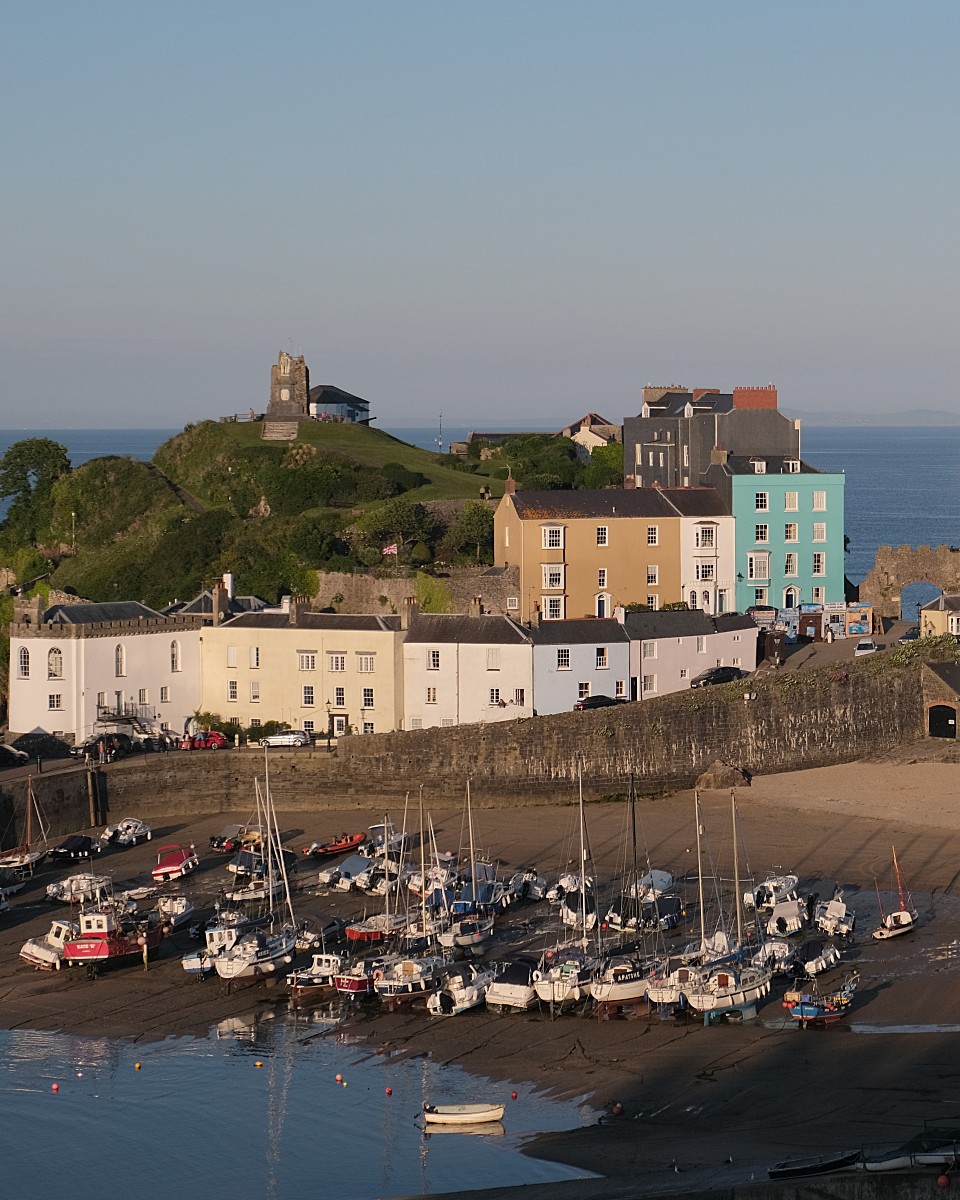
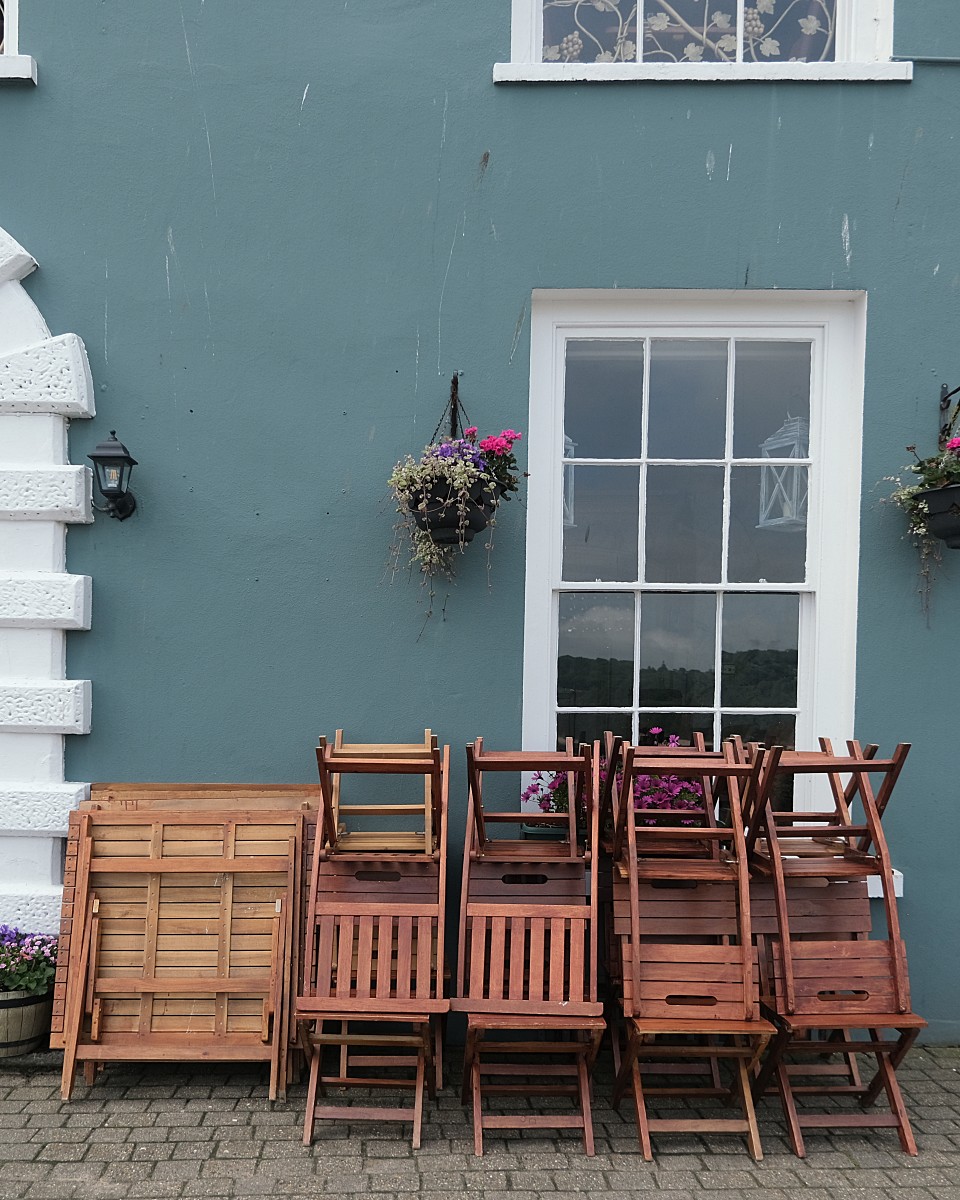


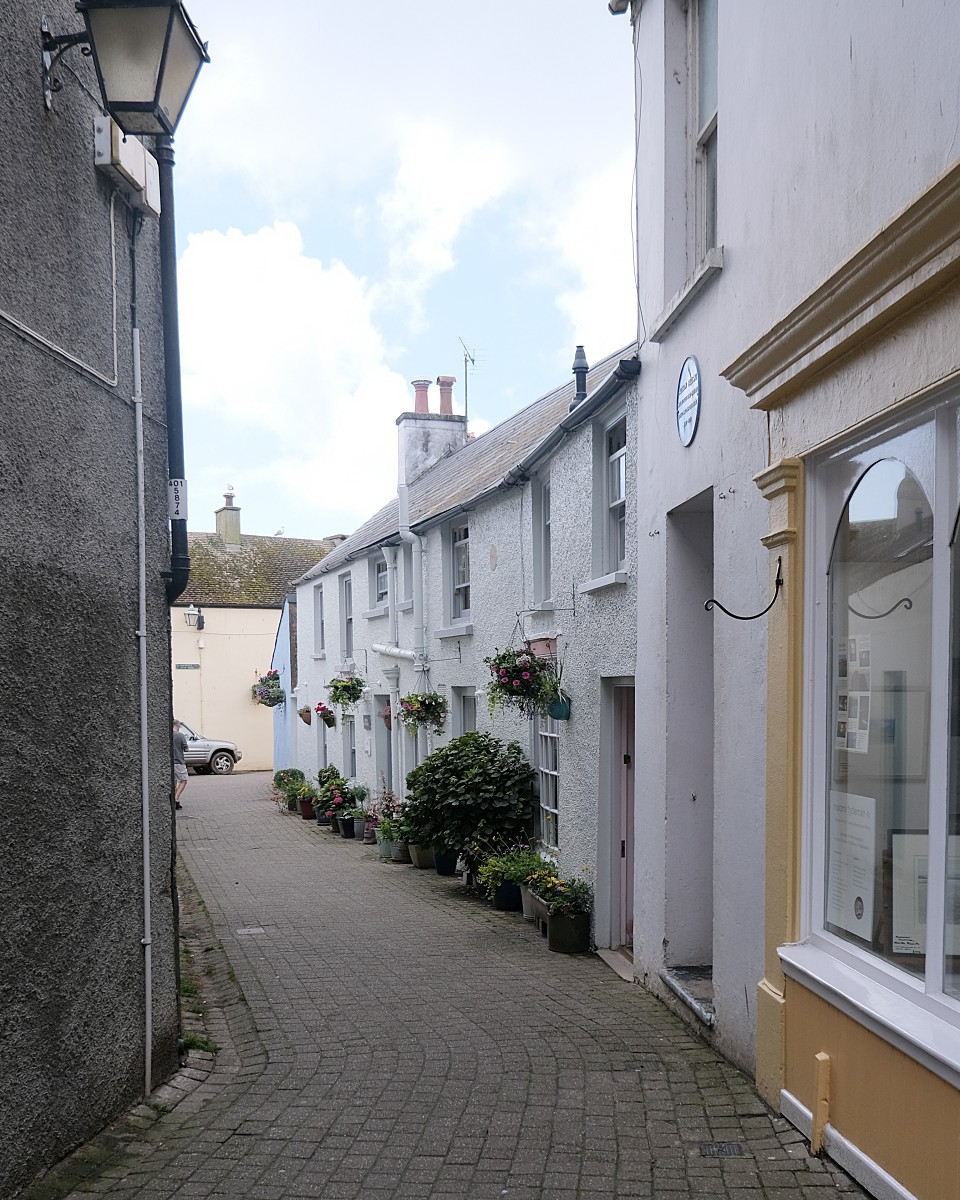
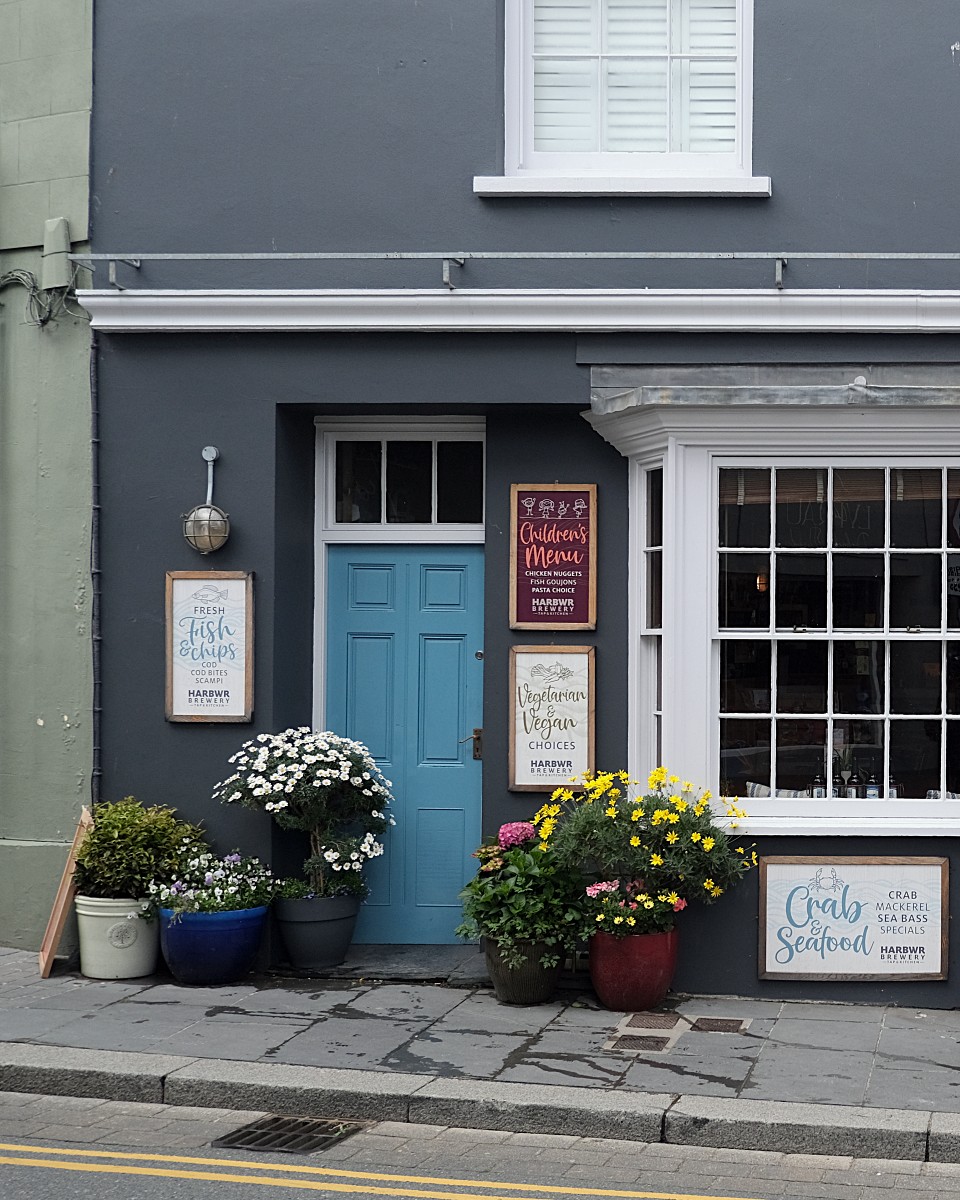
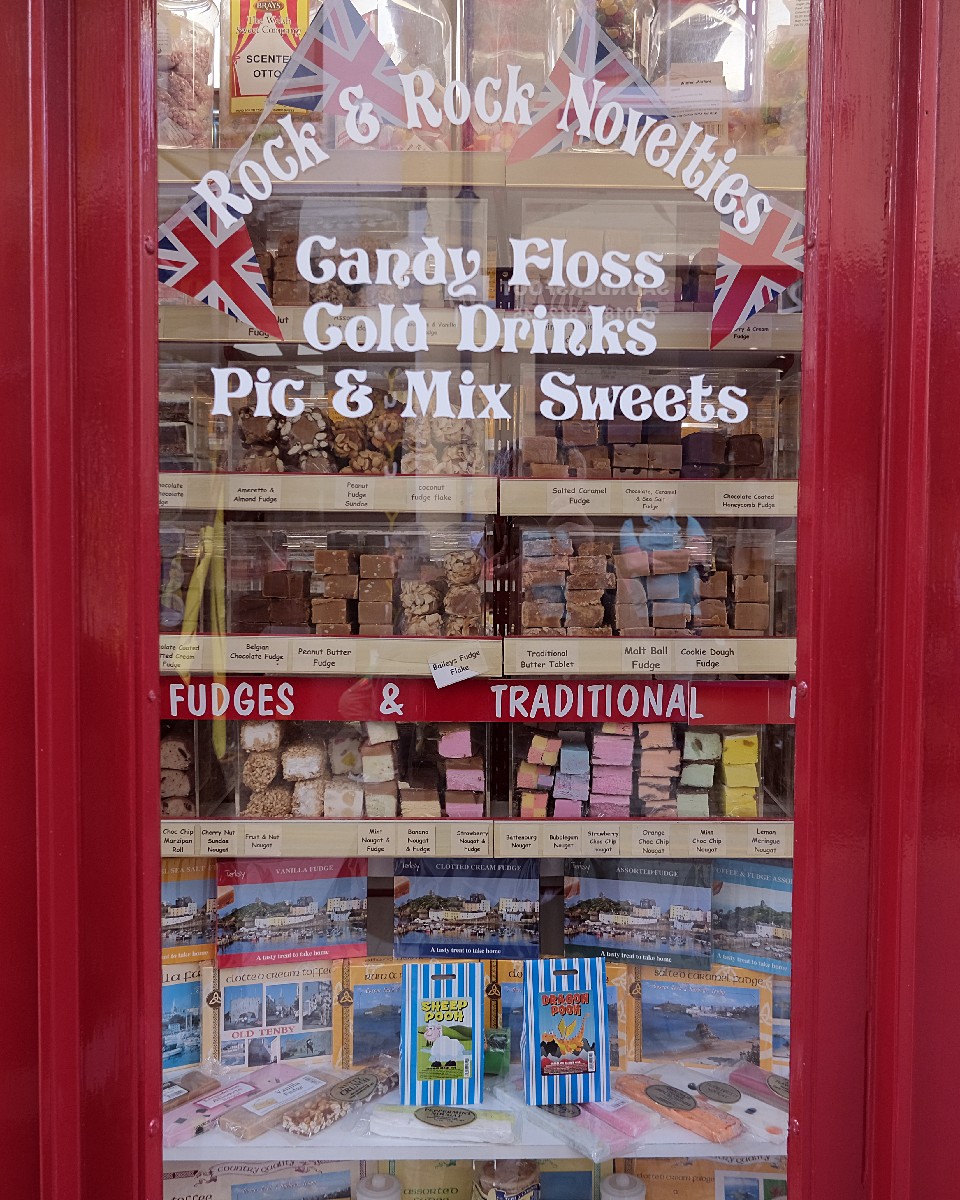

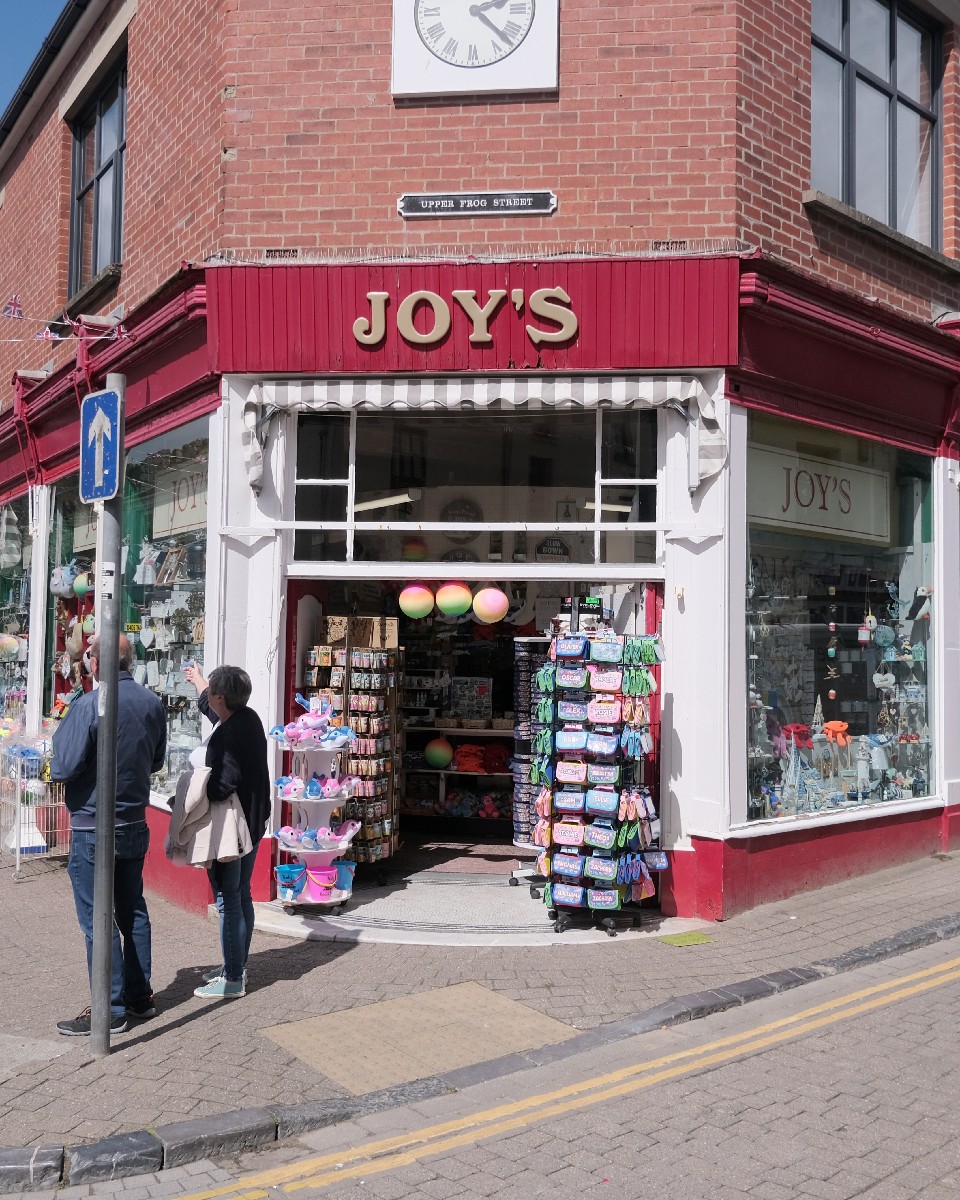


This is exactly the look that I have been looking for. Natural, yet classic. It’s only a subtle tweak to ProNeg Std, but I think its made such a difference. To my eyes, the colours are as I seen them, the reds in particular are perfect!
Here is the recipe. It’s suitable for X-T3 and up, although it should look good on most X-Trans sensors.
Push/Pull (Exposure): 0
Dynamic Range: DR200
Film Simulation: ProNeg Std
Grain Effect: Off
Colour Chrome Effect: Strong
White Balance: Auto
WB Shift: R: 2 B: 1
Highlight Tone: –2
Shadow Tone: -1
Colour: 3
Sharpness: 2
Noise Reduction: 0
As usual, I hope you enjoy the images, and in this case, I hope you find the recipe useful if you are a Fujifilm photographer!
 One Camera One Lens Photography
Hey Mark, first of all congratulations on your new recipe, I think the colors are perfect and very natural.
You have succeeded in creating a recipe that does not require further editing.
The pictures are great, and this time I don’t even have one favorite but many, really great!
There is one that does intrigue me, nr 4 that was taken inside a house, table and chair, a coat…
was it from someone famous?
In any case, a great series of photos that invite you to see the other 281.
In my next writing on OSP I will be sure to dedicate an article to your new recipe.
Take care and until the next !
LikeLiked by 1 person
Thank you. Yes, number 4 is from the boathouse of Welsh poet Dylan Thomas. Very famous over here. Thank you for your support, always good to hear from you.
LikeLiked by 1 person
They look great! I too was wondering about that cottage and who owned it thanks for answering that question.
I’m looking forward to reading about your focusing setting for this shoot as well.
LikeLiked by 1 person
Thank you very much 🙏
LikeLiked by 1 person
You are doing Excellently Mark. Well Done
LikeLiked by 1 person
Thank you very much Dennis 🙏
LikeLike
Great recipe! Directly added it to my X-E4 and tried in different light conditions since yesterday and love the results.
LikeLiked by 1 person
Thank you, it’s my new go-to recipe!
LikeLike
Mine too. Thank you.
In combination with your suggested focus tracking it’s really amazing.
LikeLiked by 1 person
Hi Mark,
Lovely images and great colours.
I’m going to give this a try .. I’ve loaded it onto my X-Pro 3 and I’m calling it “English Summer”
LikeLiked by 1 person
Glad you like it 🙏 it couldn’t be “Welsh Summer” as we don’t have one 🤣🤣🤣
LikeLike
Hi Mark,
I just discovered your recipes. I have a brand new X-s10 about to be delivered and wanted to know if your recipes can be adopted after the fact using Fuji’s Camera Raw software.
Thanks for providing what must be very time-consuming.
LikeLiked by 1 person
Hi there, yes, they will work on all Fujifilm cameras. Just input the data that’s available in the recipe and it will be the same, or very close. Don’t forget to tweak as needed too! Thank you very much 🙏
LikeLike
Great simulations and photos Mark. Going to try some out tomorrow .. especially excited to try this one and your Leica M10
LikeLiked by 1 person
Enjoy! It’ll be great to see your results.
LikeLike
Will try it out on my XT30 tomorrow. Thanks
LikeLiked by 1 person