
I have been using GIMP for many years, and I have been using GIMP 3 ever since it started having release candidates. With the release of Gimp 3.0 (and now 3.0.2) I take a look at what the software offers, the pro’s, the con’s and if you should consider it. GIMP, the GNU Image ManipulationContinue reading “GIMP 3.0.2 Review: A Welcome Step Forward, But Still Room to Grow”
Tag Archives: Editing
I’ve Changed My Editing Package

It has long been known that I use Darktable as my main editing software, and that I use ON1 Photo Raw as a secondary editing package for things I cannot achieve in Darktable, as well as the occasional use of Gimp for artistic tasks. Well, as of the last week or so, I have decidedContinue reading “I’ve Changed My Editing Package”
New Video – 5 Things You Instantly Notice Moving From Fujifilm X To Nikon Z

I had been wating to do this video since getting my Nikon Z6ii and leaving Fujifilm. It just talks about the first five things that you really notice when moving from Fujifilm X APS-C cameras to Nikon Z full frame cameras. I think you will find that the list is pretty self-explanatory really, however, youContinue reading “New Video – 5 Things You Instantly Notice Moving From Fujifilm X To Nikon Z”
Darktable Simplified – The Portra Look Made Easy

I have been publishing images in a style and technique that I have been working on over the months. The idea is to make them look a little like “Portra” film, well, the skies anyway! After many people asking me about this, I decided to make a short video, along with this guide. As alwaysContinue reading “Darktable Simplified – The Portra Look Made Easy”
An Informal Selfie Shoot
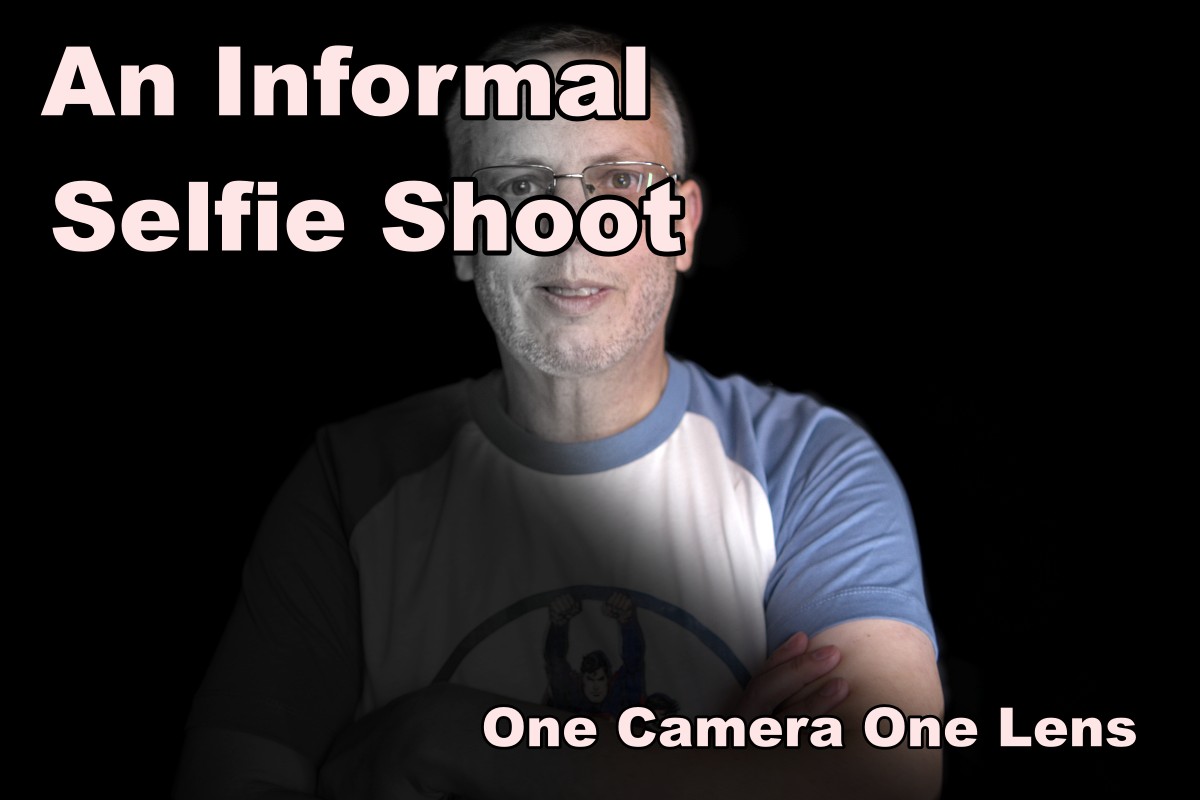
I’ve been really lacking inspiration for photography lately. I go out weekly, take photos, but have no desire to do more than a couple of edits. I’ve been trying to make videos from these outings, and I have been taking video, but I’ve just lost the mojo to put everything together. So, I thought IContinue reading “An Informal Selfie Shoot”
 One Camera One Lens Photography